
transparent portrait cutout
Remove the background from this portrait, preserve flyaway hair and earrings, and export a clean transparent cutout with realistic edge detail.
Use this promptRemove or replace backgrounds with clean edges around hair, fabric, glass, and product contours. Create transparent PNG cutouts, white-background listings, and branded backdrop variations.
Upload a photo or write a detailed prompt to watch AI bring your idea to life.

Card Maker helps teams remove, replace, and standardize backgrounds for listings, ads, and social assets.
Prompt Library
Start from a concrete brief instead of a blank box. Each example is written for a real use case so you can adapt it quickly to your own image workflow.
Remove the background from this portrait, preserve flyaway hair and earrings, and export a clean transparent cutout with realistic edge detail.
Use this prompt
Place this product on a pure white listing background, keep label colors accurate, add a soft contact shadow, and maintain clean outer edges.
Use this prompt
Replace the background with a soft brand-color gradient while keeping subject lighting believable and preserving transparent details around the object.
Use this promptUse Card Maker to produce clean cutouts and replacement backgrounds with higher prompt fidelity, stronger consistency, and channel-ready quality for real delivery cycles.

Achieve precise cutouts with Card Maker's background remover technology. The AI correctly interprets edge details, hair boundaries, and semi-transparent areas for clean separation.
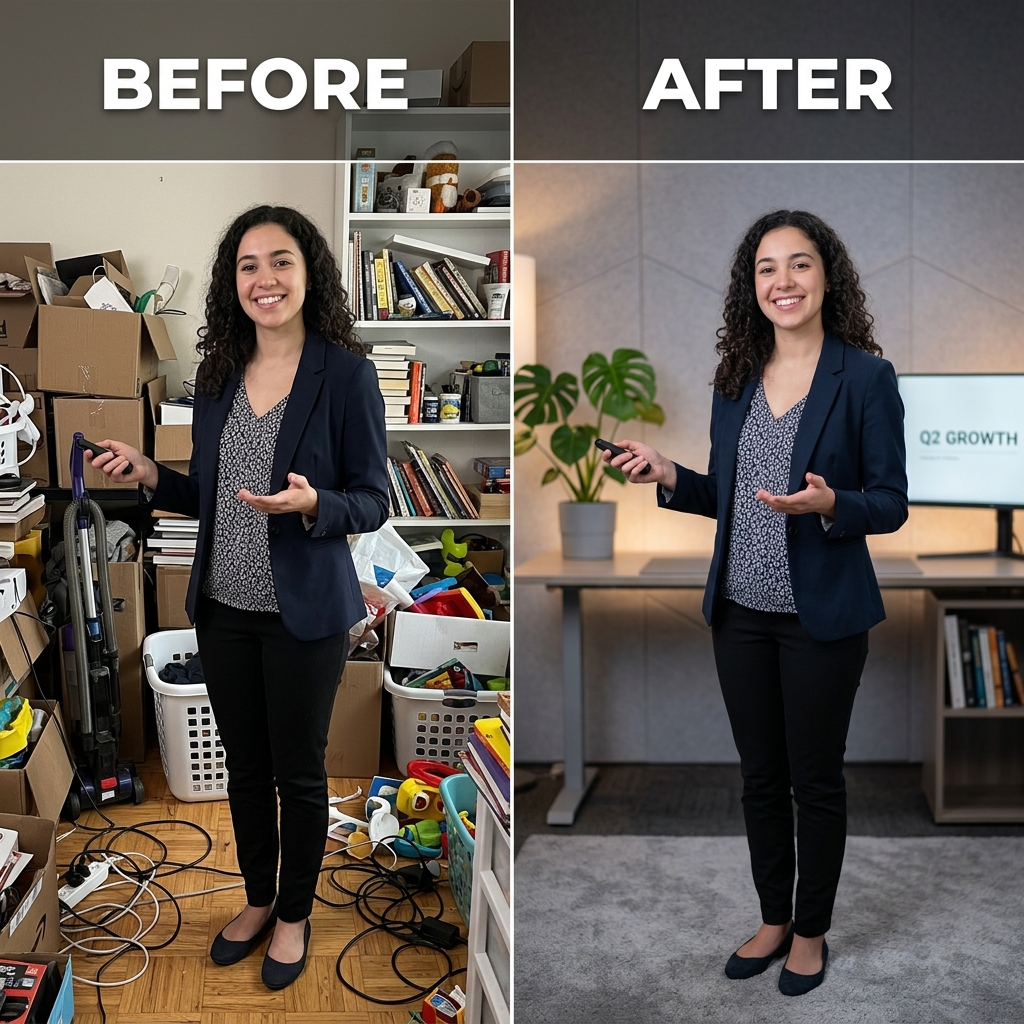
Maintain consistent cutout quality across product catalogs and portrait series. The background remover delivers reliable results whether processing one image or hundreds.
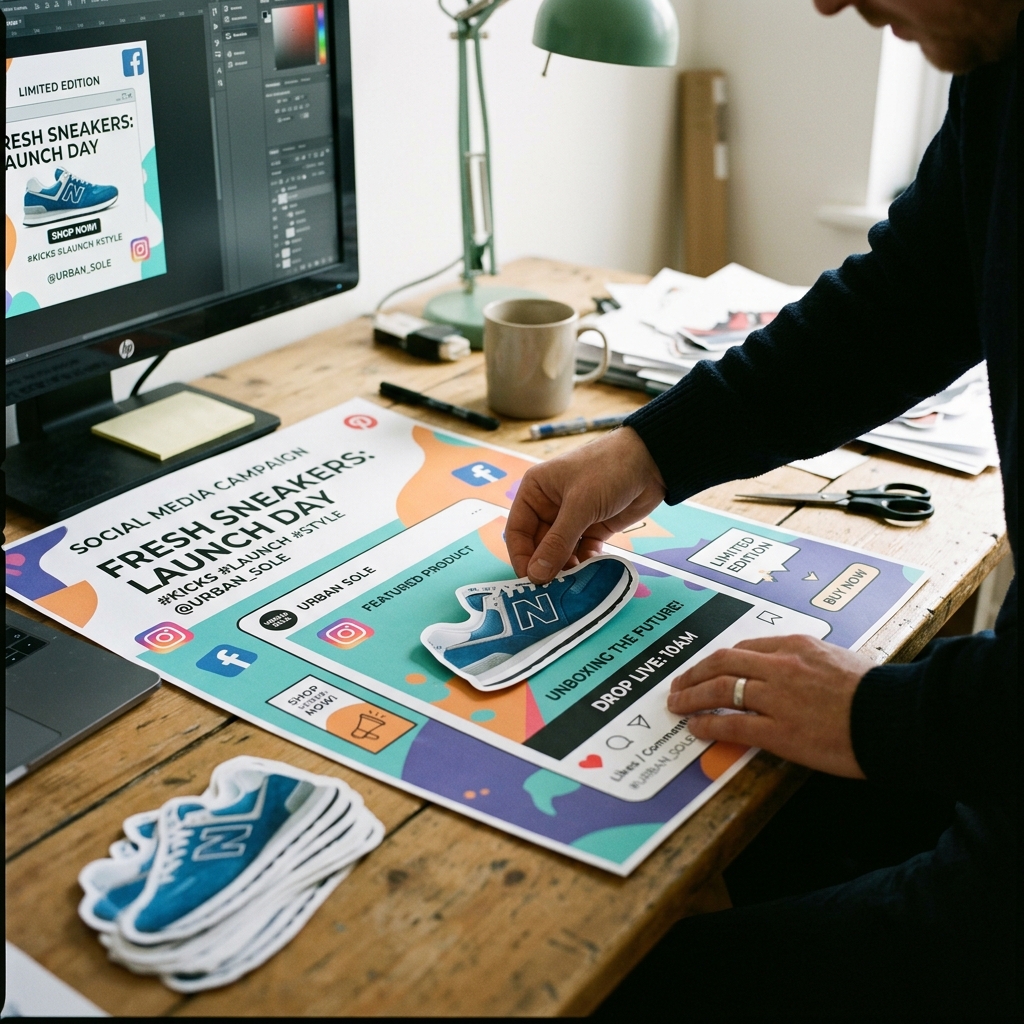
Process images through the background remover in seconds, not minutes. Export clean cutouts for ecommerce listings, social posts, and design mockups.
Compare a modern AI Background Remover workflow in Card Maker with manual production loops that usually require more time and handoff overhead.
Workflow Criteria
Time to get a clean background-removed cutout
Card Maker
RecommendedTraditional Process
Workflow Criteria
Processing multiple images for background removal
Card Maker
RecommendedTraditional Process
Workflow Criteria
Keeping cutout quality consistent across image sets
Card Maker
RecommendedTraditional Process
Workflow Criteria
Processing complex elements like hair and transparency
Card Maker
RecommendedTraditional Process
Workflow Criteria
Daily image processing capacity
Card Maker
RecommendedTraditional Process
Workflow CriteriaWhat teams evaluate before launch | RecommendedCard MakerFaster and more consistent output | Traditional ProcessManual-heavy and slower iteration |
|---|---|---|
First usable draftTime to get a clean background-removed cutout | Seconds per image with the AI background remover. | Minutes of manual masking per image in Photoshop. |
Variant generation at scaleProcessing multiple images for background removal | Batch background removal for entire product catalogs. | Manual selection and masking for each individual image. |
Consistency over iterationsKeeping cutout quality consistent across image sets | Uniform background removal quality across all images. | Edge quality varies with each manual masking session. |
Edge detail handlingProcessing complex elements like hair and transparency | AI handles hair and semi-transparent edges automatically. | Tedious manual refinement of complex edge areas. |
Team throughputDaily image processing capacity | High-volume background removal without bottlenecks. | Limited by editor availability for manual masking. |
Upload, isolate subject, and export channel-ready assets.
Provide any photo to the background remover — product shots, portraits, or complex scenes.
Select transparent background removal or specify a new background scene and color.
Export background-removed images as transparent PNG files ready for design and listings.
Provide any photo to the background remover — product shots, portraits, or complex scenes.
Select transparent background removal or specify a new background scene and color.
Export background-removed images as transparent PNG files ready for design and listings.
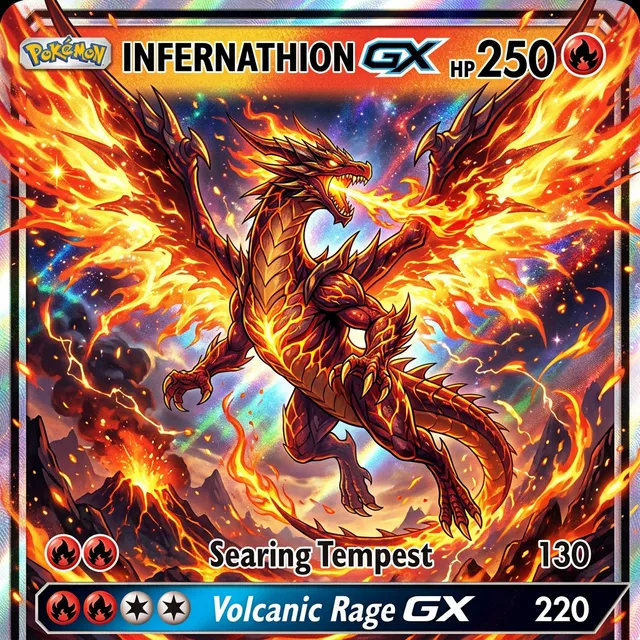
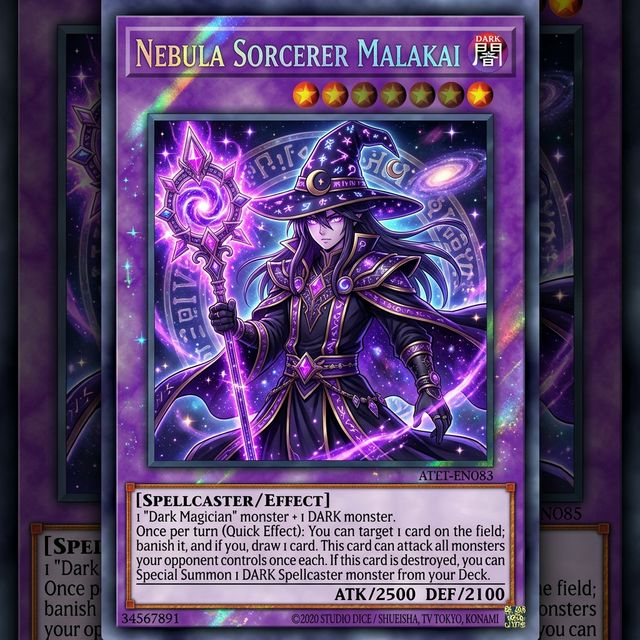
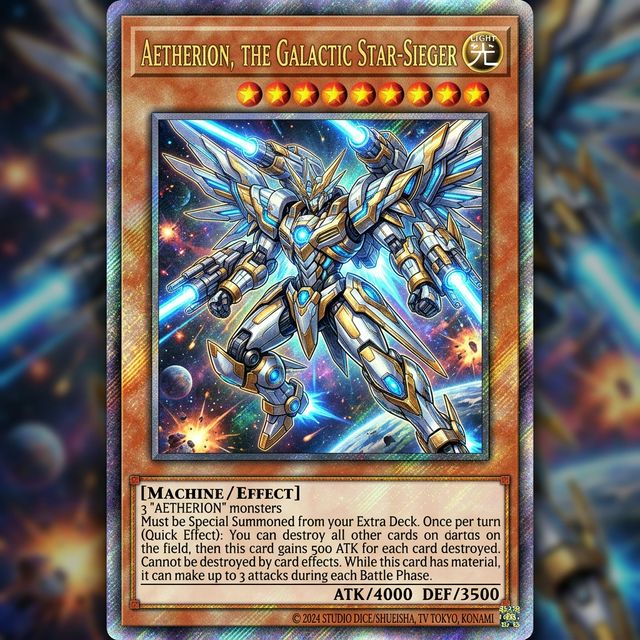
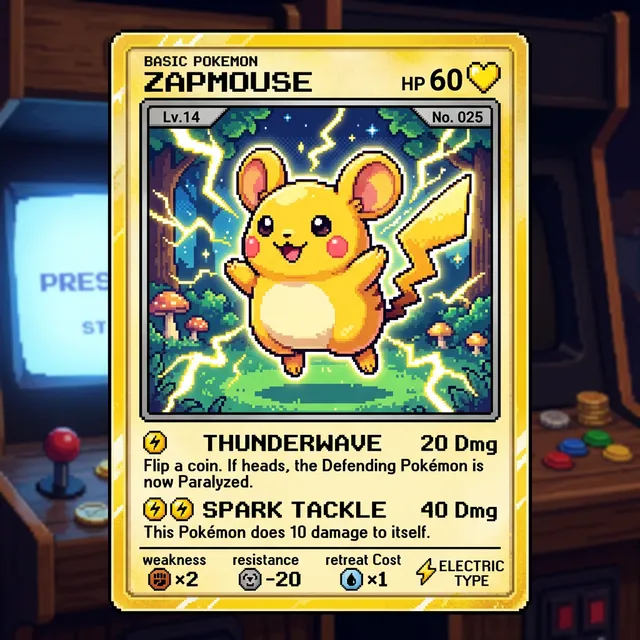
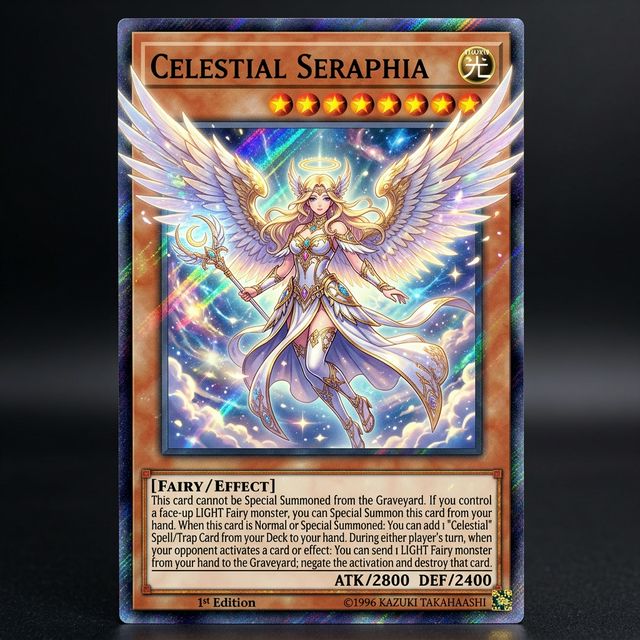
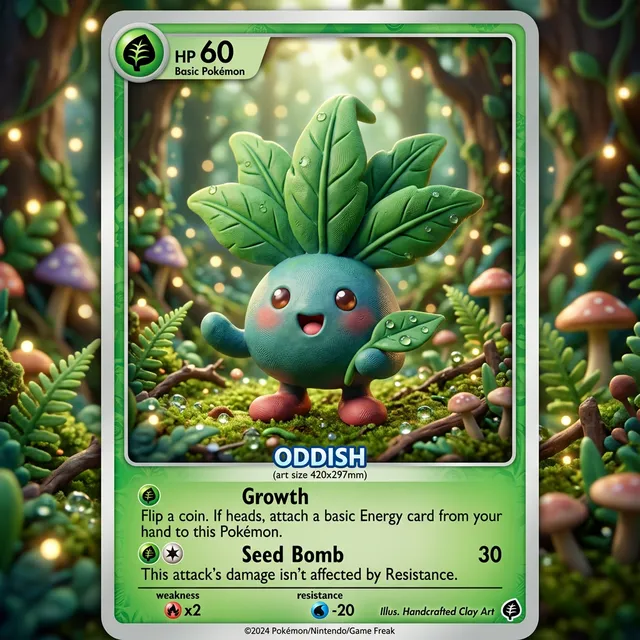
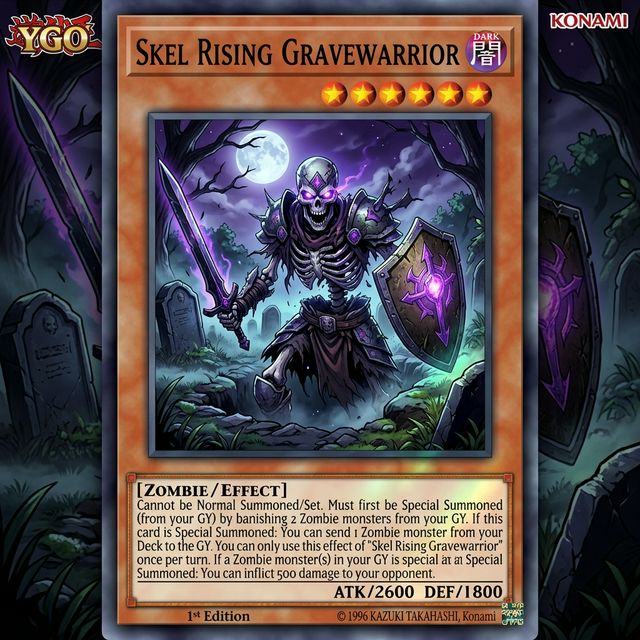
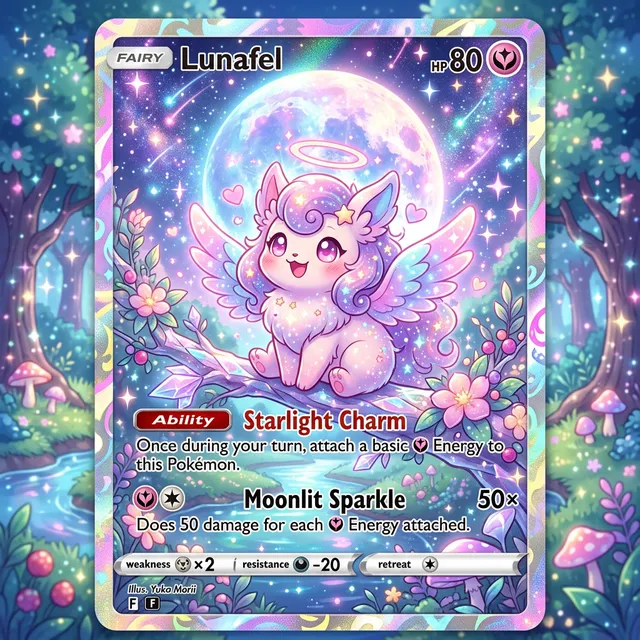
Browse real clean cutouts and replacement backgrounds generated with Card Maker. Use these examples as quality references for ecommerce, social, and campaign delivery.
Choose flexible credit packs or subscriptions for Card Maker image generation, editing, and commercial creative workflows.
Perfect for individuals and light users
Includes
For professional creators and teams
Includes
Annual plan for heavy usage.
Includes
Feedback from card collectors, game designers, and creative professionals using Card Maker.
I've been making custom Pokemon cards with Card Maker for my collection. The holographic effects and card frame consistency are impressive — they look like real cards.

Alex Martinez
Pokemon Card Collector
We used Card Maker to prototype our entire card game in two weeks. The style consistency across 120+ cards saved us months of illustration work.

Sarah Chen
TCG Game Designer
I sell custom birthday cards on Etsy. Card Maker helps me create unique designs for each customer in minutes instead of hours of manual design.

Mike Thompson
Birthday Card Seller
My clients love the custom wedding invitation designs I create with Card Maker. I can quickly generate multiple options that match their wedding theme and colors perfectly.

Jessica Park
Wedding Planner
Common questions about removing image backgrounds with AI.
The AI automatically detects the subject in your image and separates it from the background, producing a clean transparent cutout. Works with people, products, animals, and complex objects.
Yes. The AI handles product photography perfectly — remove cluttered backgrounds to create clean, white-background shots for e-commerce listings on Amazon, Shopify, and other platforms.
New users receive free credits. Each background removal costs credits based on the model used. Bulk processing is available for high-volume e-commerce needs.
Upload JPG, PNG, or WebP images. The output is a transparent PNG with the background cleanly removed. You can also specify a new background color or scene.
The AI handles complex edges like hair, fur, and transparent objects with high accuracy. For best results, use well-lit photos with clear subject-background contrast.
Yes. Use the image-to-image mode to replace the background with a custom scene, solid color, or studio backdrop — all while keeping the subject perfectly intact.
Related Tools
Move into closely related tools when you need editing, cleanup, packaging, or alternate visual directions beyond this specific scenario.
Image to Image
Open this related workflow to compare prompts, outputs, and use cases.
AI Product Image Generator — Create Product Photos with AI
Open this related workflow to compare prompts, outputs, and use cases.
AI Photo Editor — Edit Photos with AI Intelligence
Open this related workflow to compare prompts, outputs, and use cases.
AI Image Enhancer — Upscale & Enhance Photos with AI
Open this related workflow to compare prompts, outputs, and use cases.
Build transparent and branded background variants faster for marketing and ecommerce.