
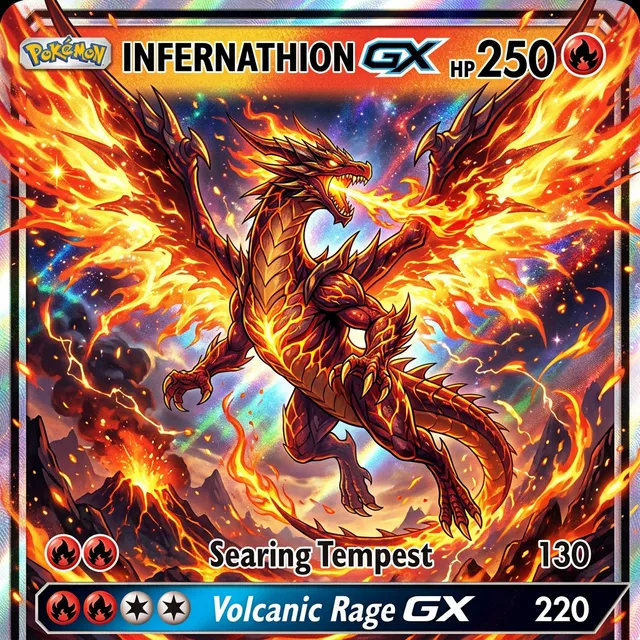
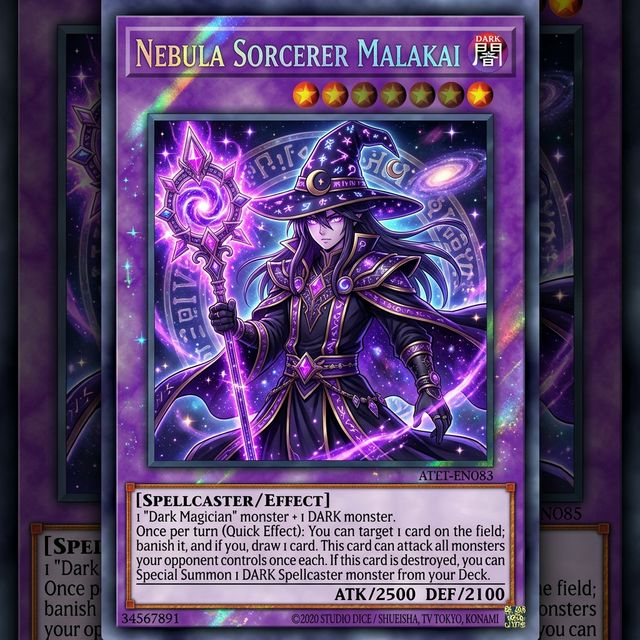
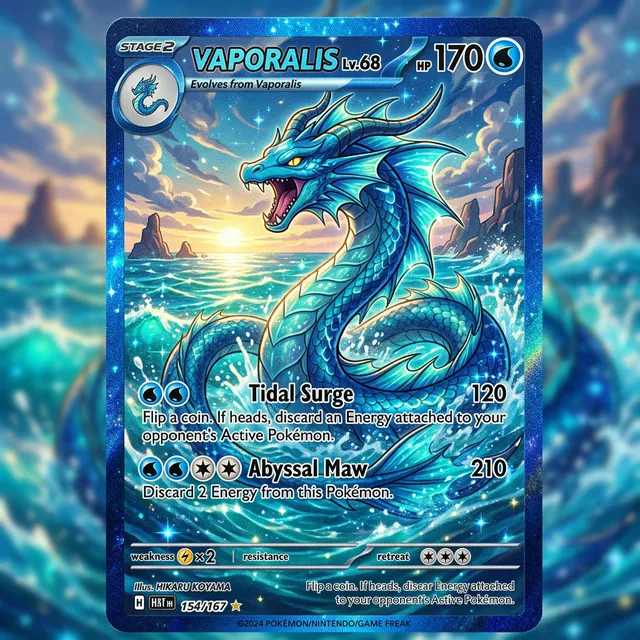
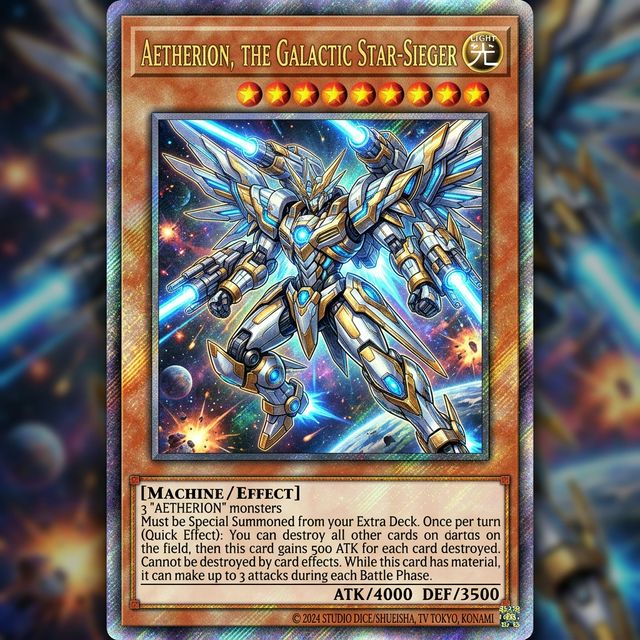
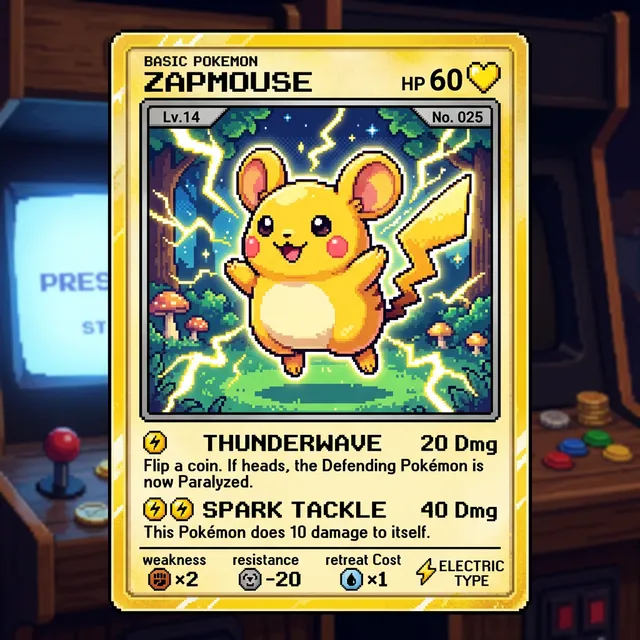
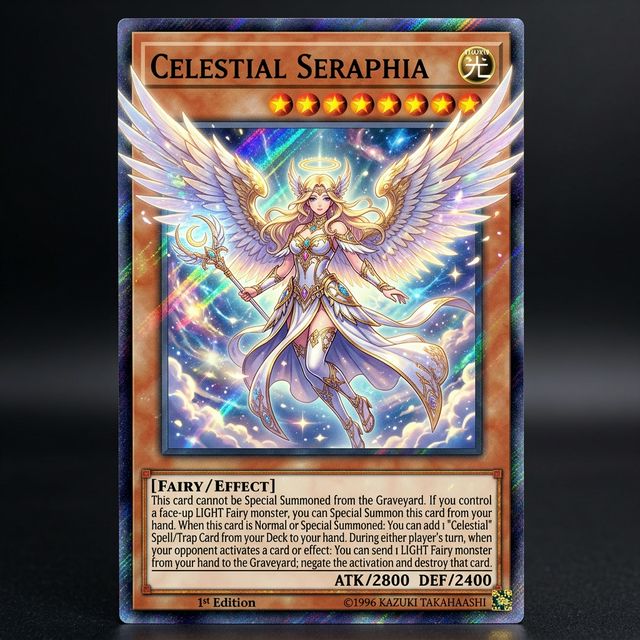
I've been making custom Pokemon cards with Card Maker for my collection. The holographic effects and card frame consistency are impressive — they look like real cards.

Alex Martinez
Pokemon Card Collector
Generate professional business card designs with AI — minimalist, corporate, luxury, and creative styles. Custom layouts with your branding. No design tools needed.
Upload a photo or write a detailed prompt to watch AI bring your idea to life.
Use Card Maker to explore branded business card directions with clearer layout control, readable contact hierarchy, and cleaner print handoff.
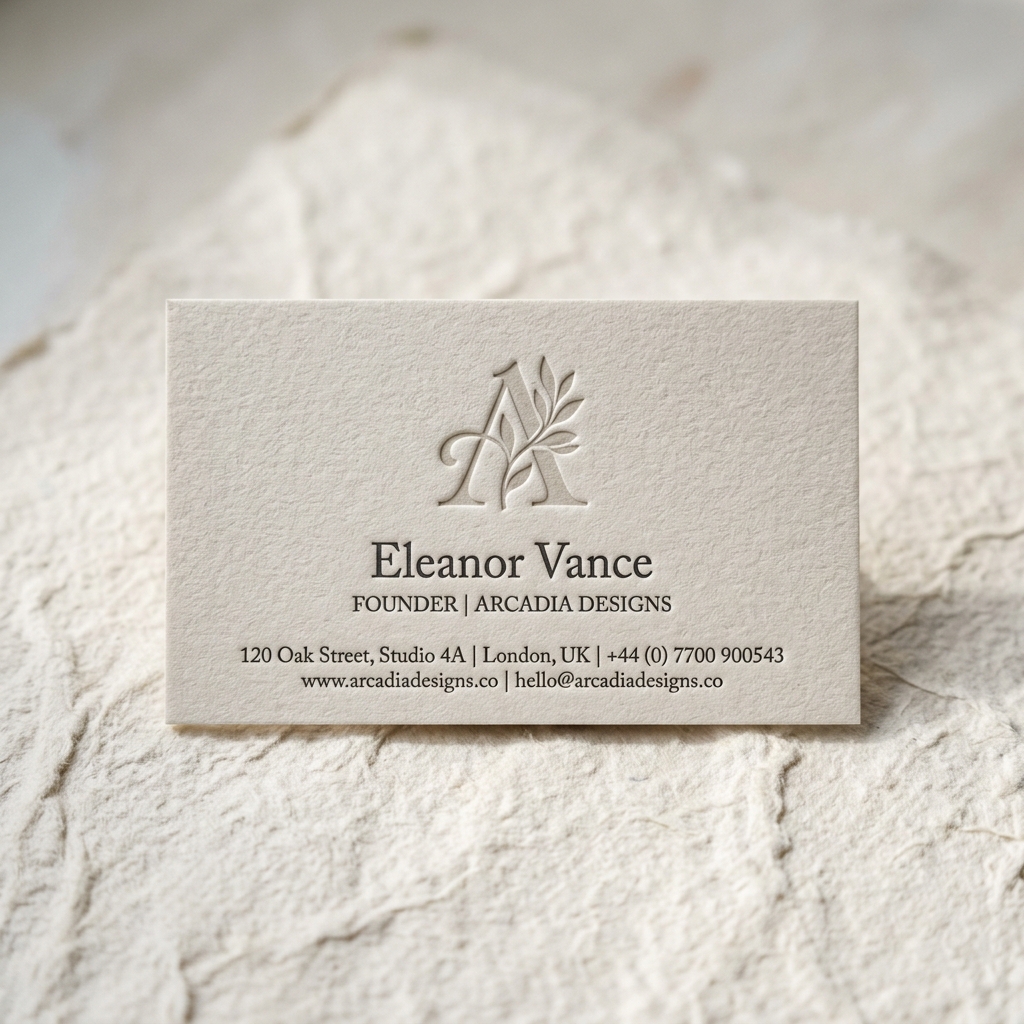
Turn your logo treatment, palette, typography, and business details into polished card concepts faster. Card Maker helps you explore professional directions without starting from a blank canvas.
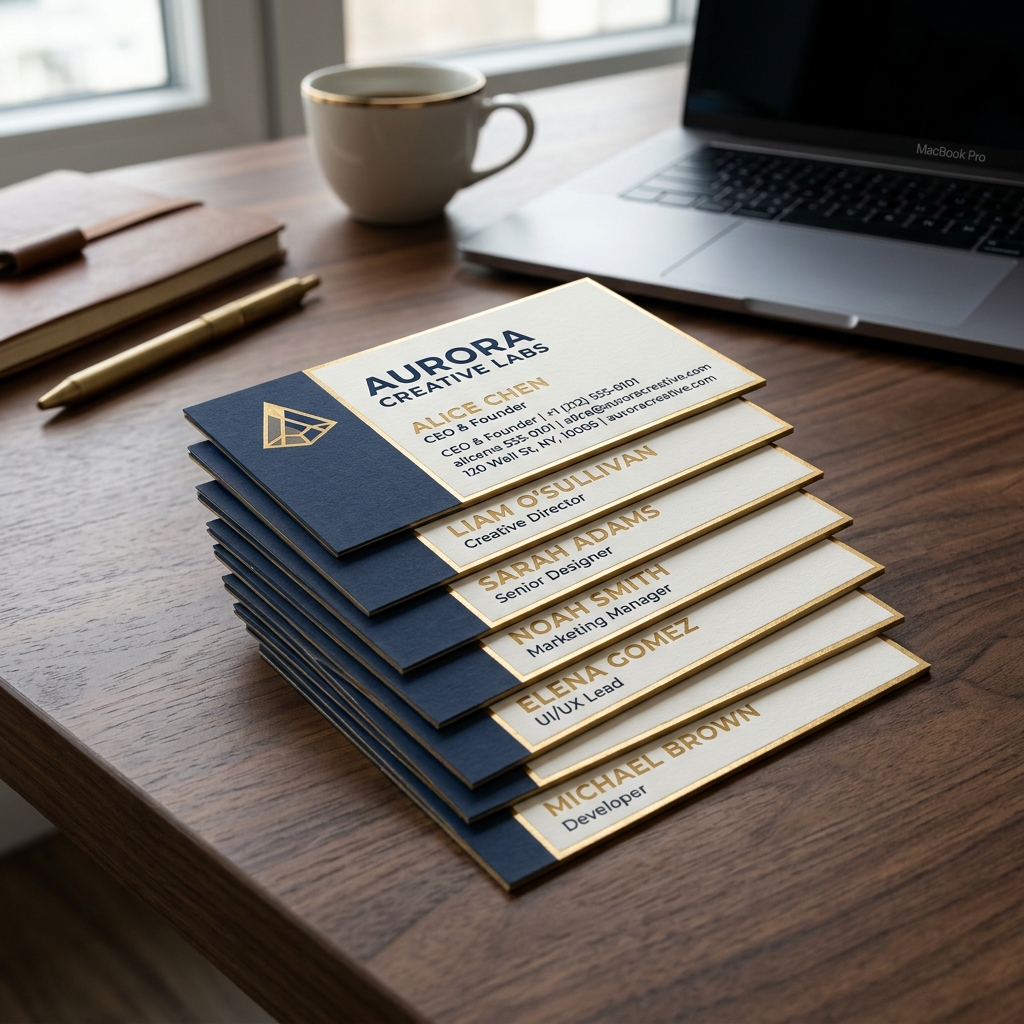
Generate matching front-and-back layouts, role-based variations, and alternate directions while keeping the same visual identity across the set.
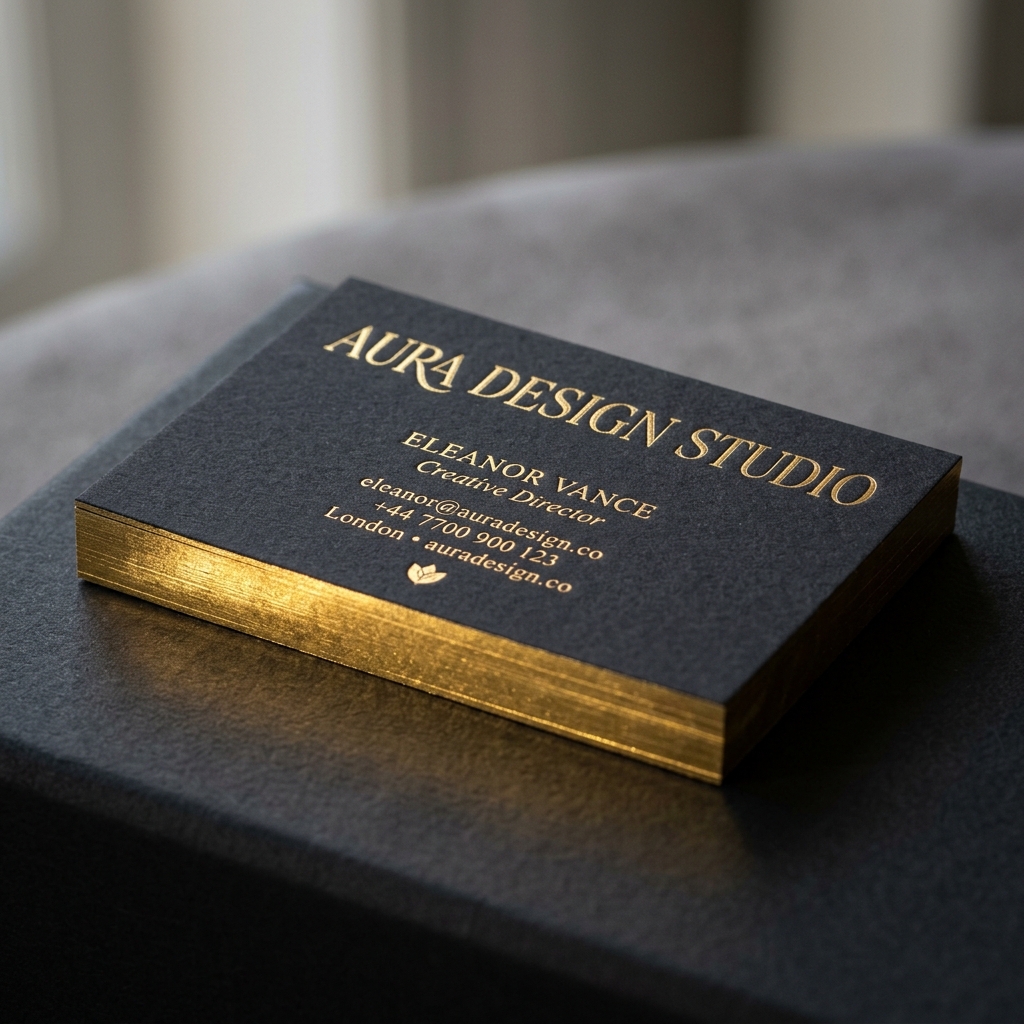
Generate clean compositions you can review, refine, and hand off for print, mockups, or internal approvals without spending hours building every direction manually.
Compare generating branded business card directions with Card Maker against manual layout work and template-first tools.
Criteria
How quickly you get a reviewable design direction
Card Maker
RecommendedTraditional Tools
Criteria
Control over layout, hierarchy, and brand expression
Card Maker
RecommendedTraditional Tools
Criteria
Keeping a coherent brand system across a full team set
Card Maker
RecommendedTraditional Tools
Criteria
Design expertise needed
Card Maker
RecommendedTraditional Tools
Criteria
Production-readiness of results
Card Maker
RecommendedTraditional Tools
CriteriaWhat teams compare | RecommendedCard MakerAI-powered, fast, highly customizable | Traditional ToolsTemplate-based or manual design |
|---|---|---|
Time to first business cardHow quickly you get a reviewable design direction | Minutes from prompt to a polished layout you can review or refine. | Hours of manual design or template hunting. |
Design customizationControl over layout, hierarchy, and brand expression | Adapt brand tone, typography, composition, and card structure from prompts or references. | Limited to preset templates or manual design skill. |
Brand consistencyKeeping a coherent brand system across a full team set | Reuse prompt structure to keep logos, spacing, and palette aligned across variants. | Hard to match styles across manual iterations. |
Skill requirementDesign expertise needed | No advanced layout software required to explore strong business card directions. | Requires graphic design or illustration expertise. |
Output qualityProduction-readiness of results | Clean, presentation-ready business card visuals suitable for mockups, approvals, and print prep. | Quality varies widely by tool or designer. |
Describe your brand system, generate layout directions, and export polished business card visuals for review or print prep.
Enter your brand style, role, contact details, palette, and layout direction. You can also upload a reference card to restyle or improve.
Card Maker generates multiple card directions you can refine with targeted instructions for spacing, typography, emphasis, and front/back balance.
Download high-quality business card visuals for stakeholder review, mockups, social previews, or final production handoff.
Enter your brand style, role, contact details, palette, and layout direction. You can also upload a reference card to restyle or improve.
Card Maker generates multiple card directions you can refine with targeted instructions for spacing, typography, emphasis, and front/back balance.
Download high-quality business card visuals for stakeholder review, mockups, social previews, or final production handoff.
Browse branded business card directions generated with Card Maker, from minimalist layouts to premium team-ready variations.
Choose flexible credit packs or subscriptions for Card Maker image generation, editing, and commercial creative workflows.
Perfect for individuals and light users
Includes
For professional creators and teams
Includes
Annual plan for heavy usage.
Includes
Feedback from card collectors, game designers, and creative professionals using Card Maker.
I've been making custom Pokemon cards with Card Maker for my collection. The holographic effects and card frame consistency are impressive — they look like real cards.
Alex Martinez
Pokemon Card Collector
We used Card Maker to prototype our entire card game in two weeks. The style consistency across 120+ cards saved us months of illustration work.

Sarah Chen
TCG Game Designer
I sell custom birthday cards on Etsy. Card Maker helps me create unique designs for each customer in minutes instead of hours of manual design.

Mike Thompson
Birthday Card Seller
My clients love the custom wedding invitation designs I create with Card Maker. I can quickly generate multiple options that match their wedding theme and colors perfectly.

Jessica Park
Wedding Planner
Everything you need to know about generating professional business cards with AI.
An AI business card maker turns written brand direction into custom business card visuals. Describe your brand style, palette, hierarchy, and required details, and the AI generates a professional layout direction.
Yes. Include your company name, job title, contact info, and any text in the prompt. Card Maker renders readable text in your specified style on the card design.
Any style — modern minimalist, corporate, creative, luxury, vintage, tech-forward, playful, or industry-specific. Describe your brand identity and preferred aesthetic.
Yes. Generate separate front and back card designs by describing each side in individual prompts. Keep the visual style consistent for a professional result.
New users receive free credits on signup. Each card design generation costs 3 credits. Additional credits are available on the pricing page.
Yes. Download high-resolution card designs suitable for professional printing. Export at quality settings ready for standard business card dimensions (3.5" x 2").
Yes. Upload your logo as a reference image and describe the business card layout you want. Card Maker can incorporate your brand's visual identity including logo placement, brand colors, and typography preferences.
Card Maker supports matte, glossy, textured, metallic, and transparent finishes. Choose from standard, thick, or premium card stock — all generated with accurate material rendering by AI.
Create professional business card designs instantly. Describe your brand style — AI generates print-ready layouts.