
object removal cleanup
Remove the extra chair and charging cables from this room photo, keep floor texture and wall perspective natural, and maintain the original daylight mood.
Use this promptEdit photos with AI instructions to remove objects, swap backgrounds, relight products, clean portraits, and adapt images to a brand style while keeping the main subject intact.
Upload a photo or write a detailed prompt to watch AI bring your idea to life.

Use Card Maker to apply controlled edits while keeping scene coherence and visual quality.
Prompt Library
Start from a concrete brief instead of a blank box. Each example is written for a real use case so you can adapt it quickly to your own image workflow.
Remove the extra chair and charging cables from this room photo, keep floor texture and wall perspective natural, and maintain the original daylight mood.
Use this prompt
Replace the background with a clean office interior, keep skin tone natural, preserve hair edges and glasses, and add soft window light from the left.
Use this prompt
Relight this skincare bottle with crisp front light, controlled reflections, and a pure white ecommerce background while preserving label readability.
Use this promptUse Card Maker to produce edited photos and creative variants with higher prompt fidelity, stronger consistency, and channel-ready quality for real delivery cycles.
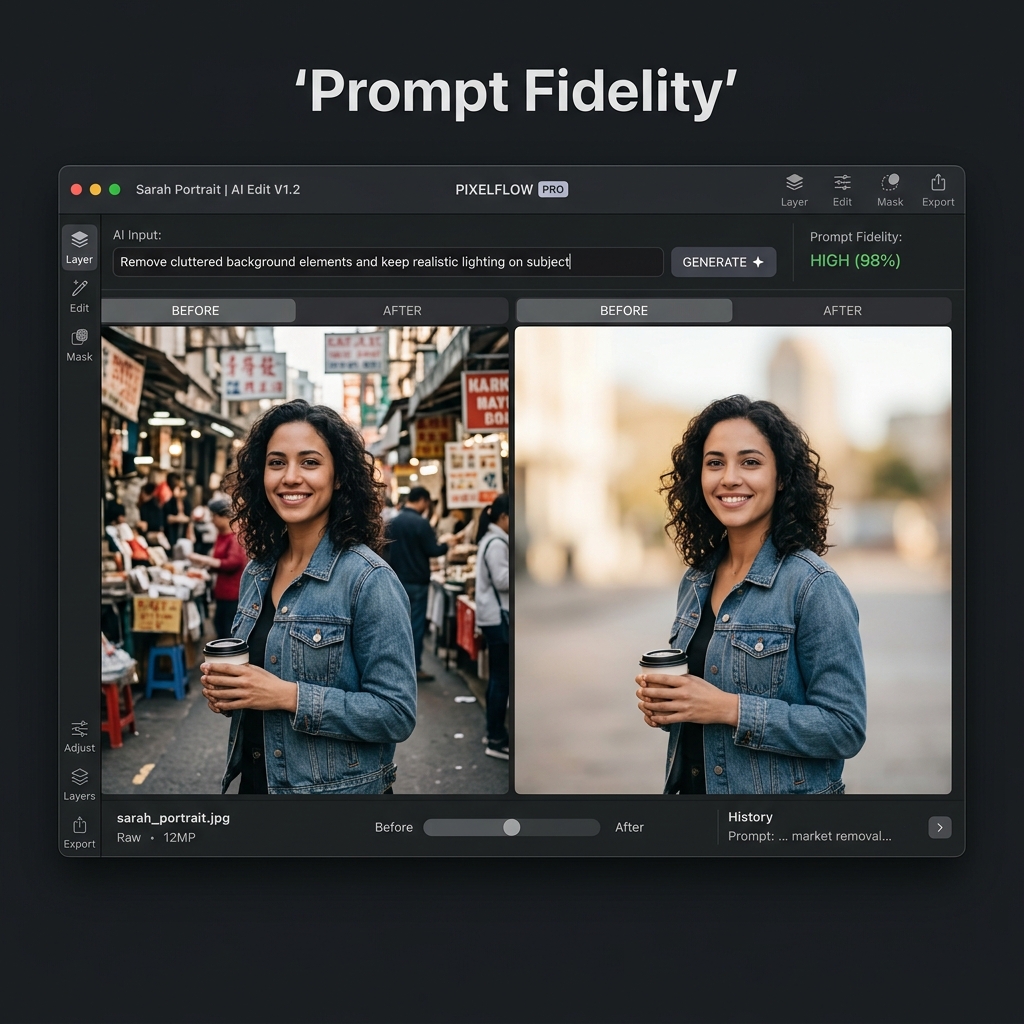
Make complex photo edits with natural language instructions. Card Maker's photo editor understands context-aware editing requests from object removal to full style transformation.

Maintain visual coherence when applying multiple photo edits. The editor preserves lighting, perspective, and color consistency across all changes.

Complete photo editing tasks in seconds that previously took minutes in traditional software. Export edited photos ready for publishing and campaigns.
Compare a modern AI Photo Editor workflow in Card Maker with manual production loops that usually require more time and handoff overhead.
Workflow Criteria
Time to complete a common photo edit
Card Maker
RecommendedTraditional Process
Workflow Criteria
Applying edits across multiple photos
Card Maker
RecommendedTraditional Process
Workflow Criteria
Keeping edit quality stable across a photo series
Card Maker
RecommendedTraditional Process
Workflow Criteria
Accessibility for non-designers
Card Maker
RecommendedTraditional Process
Workflow Criteria
Daily photo editing capacity
Card Maker
RecommendedTraditional Process
Workflow CriteriaWhat teams evaluate before launch | RecommendedCard MakerFaster and more consistent output | Traditional ProcessManual-heavy and slower iteration |
|---|---|---|
First usable draftTime to complete a common photo edit | AI photo editor completes edits in seconds. | Minutes of manual selection, masking, and adjustment. |
Variant generation at scaleApplying edits across multiple photos | Batch photo editing with consistent results. | Apply the same edit manually to each individual photo. |
Consistency over iterationsKeeping edit quality stable across a photo series | Uniform photo editor quality across all processed images. | Variable results depending on manual editing skill. |
Learning curveAccessibility for non-designers | No Photoshop skills needed — describe edits in plain text. | Steep learning curve for professional photo editing tools. |
Team throughputDaily photo editing capacity | Higher photo editing output without specialized staff. | Limited by retoucher availability and software expertise. |
A practical image-to-image flow for teams shipping visuals weekly.
Provide any image you want to edit through the AI photo editor.
Tell the photo editor what changes you want — remove objects, adjust colors, or transform style.
Export your photo editor output in high resolution for social media, printing, or professional use.
Provide any image you want to edit through the AI photo editor.
Tell the photo editor what changes you want — remove objects, adjust colors, or transform style.
Export your photo editor output in high resolution for social media, printing, or professional use.
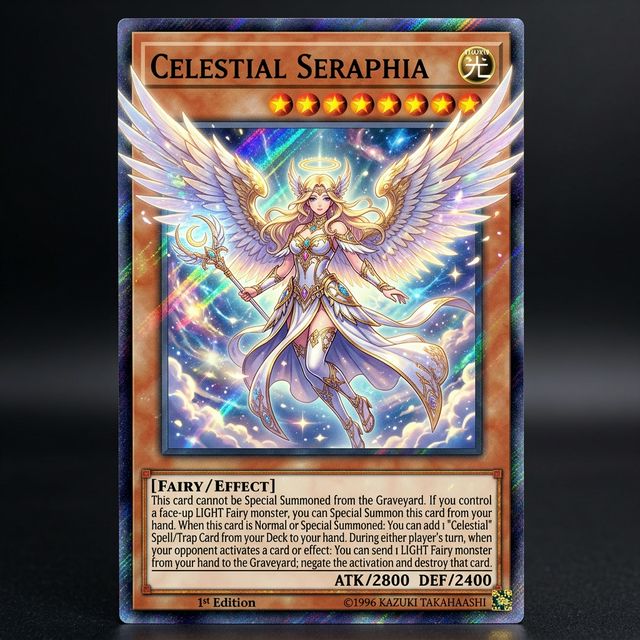
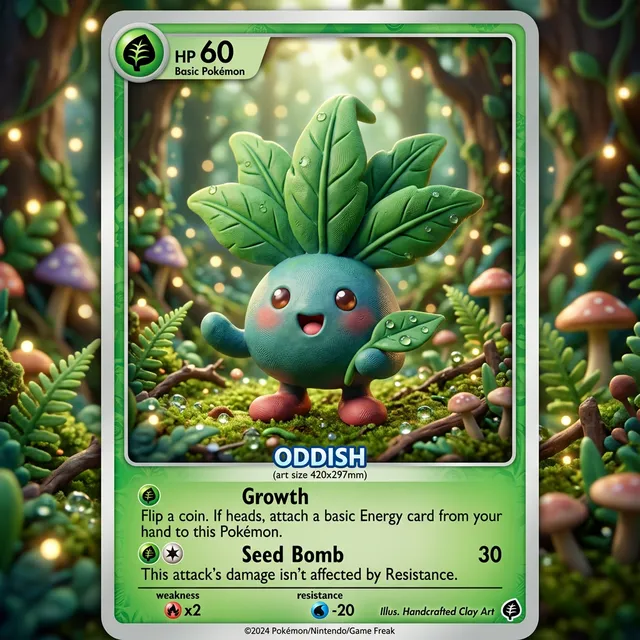
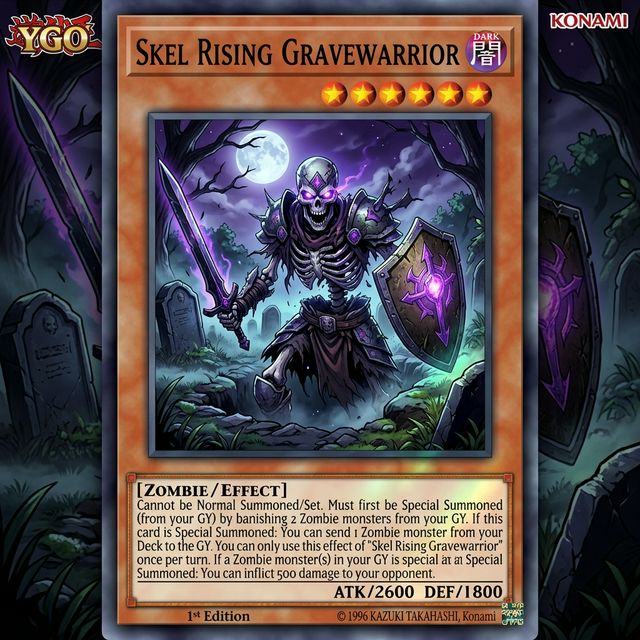
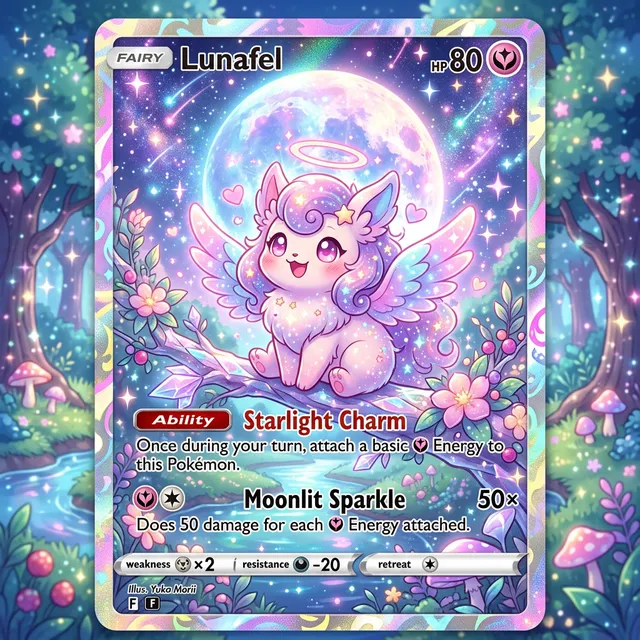
Browse real edited photos and creative variants generated with Card Maker. Use these examples as quality references for ecommerce, social, and campaign delivery.
Choose flexible credit packs or subscriptions for Card Maker image generation, editing, and commercial creative workflows.
Perfect for individuals and light users
Includes
For professional creators and teams
Includes
Annual plan for heavy usage.
Includes
Feedback from card collectors, game designers, and creative professionals using Card Maker.
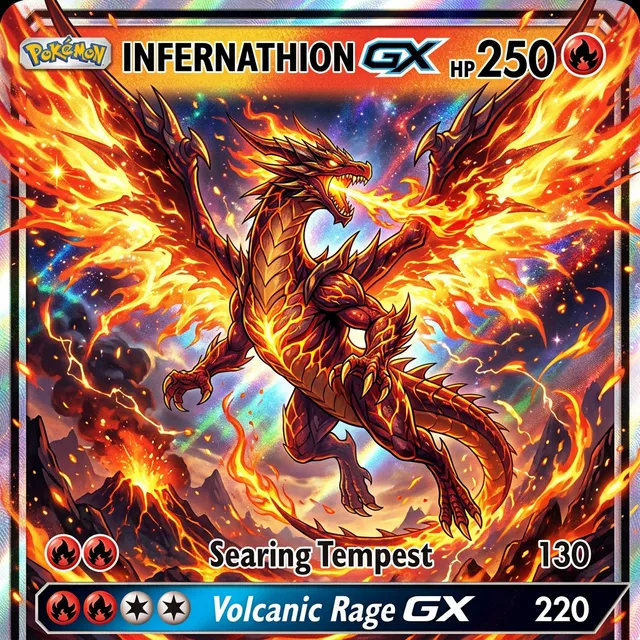
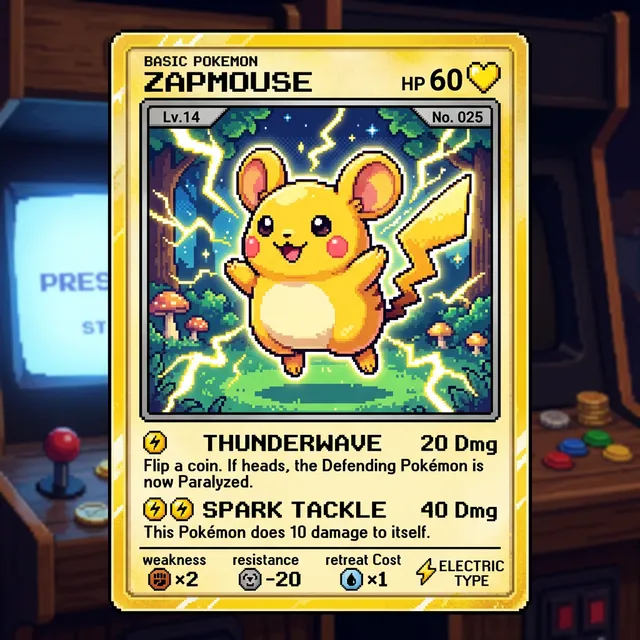
I've been making custom Pokemon cards with Card Maker for my collection. The holographic effects and card frame consistency are impressive — they look like real cards.

Alex Martinez
Pokemon Card Collector
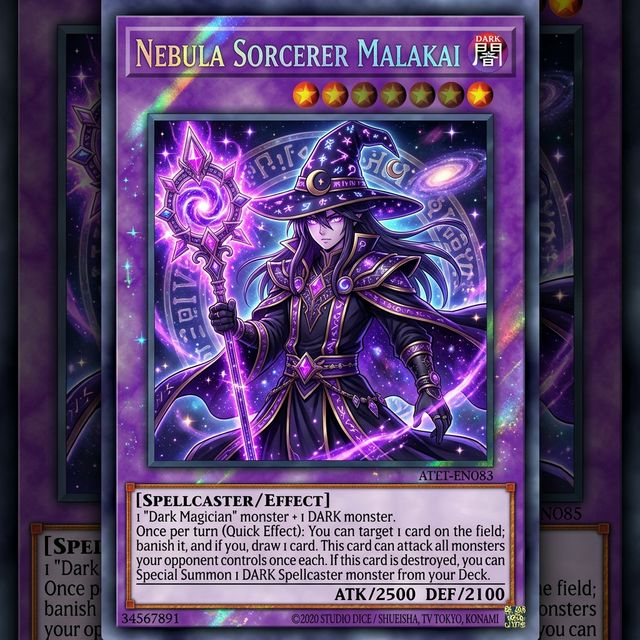
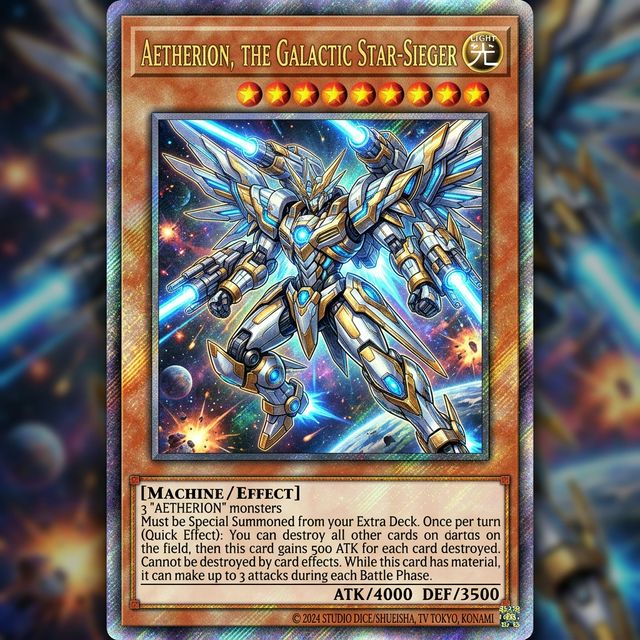
We used Card Maker to prototype our entire card game in two weeks. The style consistency across 120+ cards saved us months of illustration work.

Sarah Chen
TCG Game Designer
I sell custom birthday cards on Etsy. Card Maker helps me create unique designs for each customer in minutes instead of hours of manual design.

Mike Thompson
Birthday Card Seller
My clients love the custom wedding invitation designs I create with Card Maker. I can quickly generate multiple options that match their wedding theme and colors perfectly.

Jessica Park
Wedding Planner
Common questions about editing photos with AI.
The AI photo editor can remove objects, change backgrounds, enhance quality, apply creative effects, fix lighting, adjust colors, and transform images — all from text instructions.
Yes. Describe what to remove and the AI intelligently fills the area with natural-looking content. Works for unwanted people, objects, text, and blemishes.
New users receive free credits upon signup. Each edit costs credits. Batch editing is efficient — refine the same image multiple times for complex multi-step edits.
Yes. Upload your photo and describe the new background — studio setting, outdoor scene, abstract gradient, or any environment. The AI replaces the background while keeping the subject natural.
The AI handles most edits with high accuracy. For complex edits, use iterative refinement — make one change at a time for precise control over the final result.
Yes. Describe the edit in natural language: 'Remove the person on the left,' 'Change the sky to sunset,' or 'Make the colors warmer.' The AI interprets your instructions and applies the edit.
Related Tools
Move into closely related tools when you need editing, cleanup, packaging, or alternate visual directions beyond this specific scenario.
Image to Image
Open this related workflow to compare prompts, outputs, and use cases.
AI Background Remover — Remove Image Backgrounds Instantly
Open this related workflow to compare prompts, outputs, and use cases.
AI Image Enhancer — Upscale & Enhance Photos with AI
Open this related workflow to compare prompts, outputs, and use cases.
AI Product Image Generator — Create Product Photos with AI
Open this related workflow to compare prompts, outputs, and use cases.
Bring photo editing, variant generation, and export into one AI workflow.