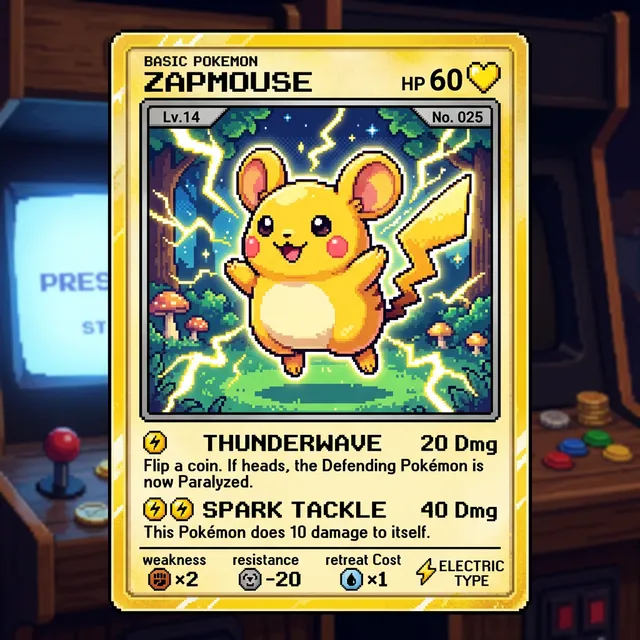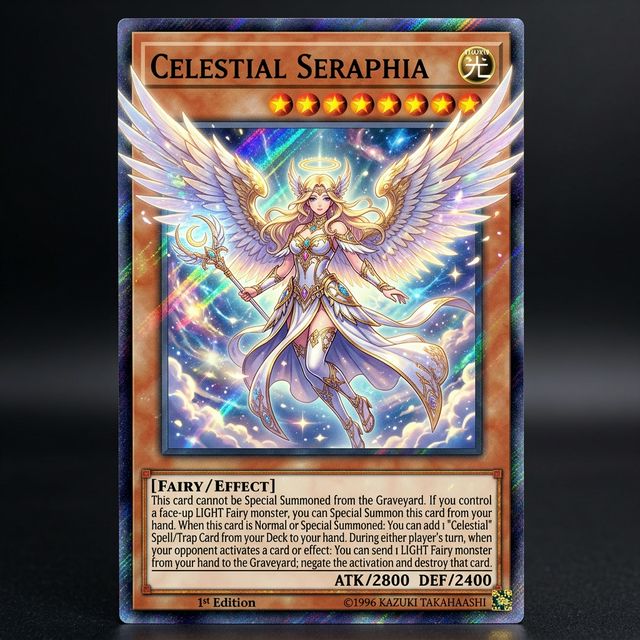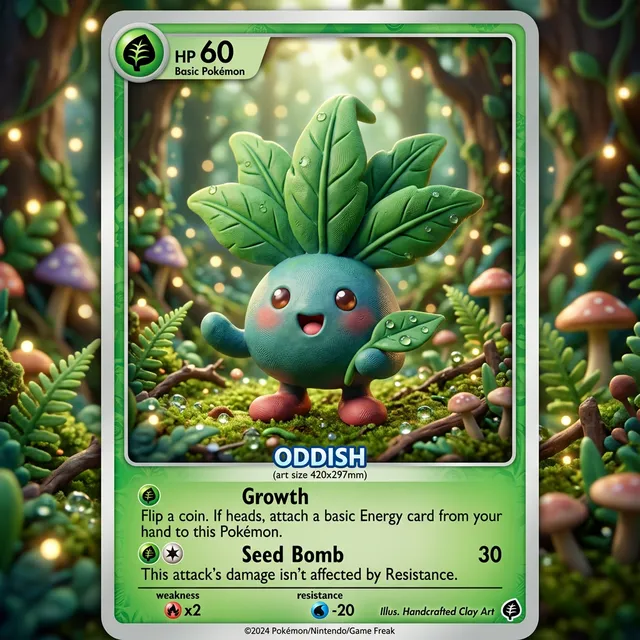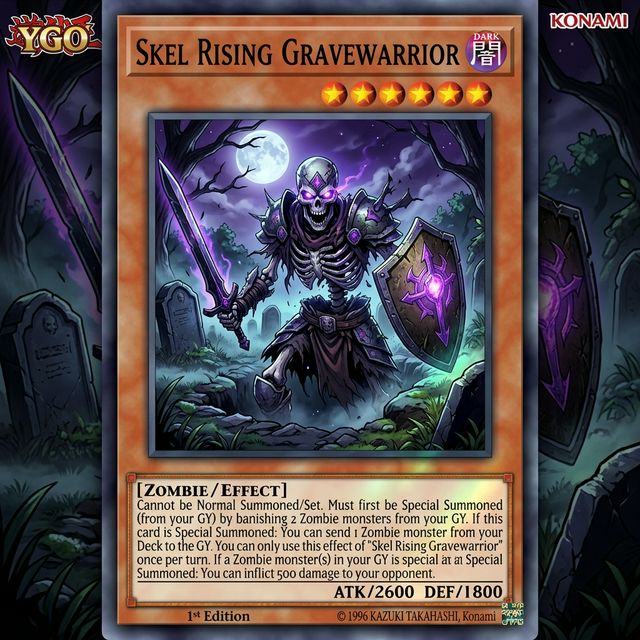

geometric startup wordmark
Create a geometric startup logo with a simple icon and clean sans-serif wordmark, high contrast, white background, and app-icon-friendly proportions.
Use this promptCreate early-stage logo directions for startups, side projects, ecommerce brands, and creator businesses. Explore wordmarks, symbols, mascots, and badge concepts before final design refinement.
Upload a photo or write a detailed prompt to watch AI bring your idea to life.

Card Maker accelerates logo ideation, from initial symbol exploration to usable draft directions for brand reviews.
Prompt Library
Start from a concrete brief instead of a blank box. Each example is written for a real use case so you can adapt it quickly to your own image workflow.
Create a geometric startup logo with a simple icon and clean sans-serif wordmark, high contrast, white background, and app-icon-friendly proportions.
Use this prompt
Generate a mascot-logo concept for a friendly coffee brand with bold outline, expressive face, limited color palette, and packaging-ready composition.
Use this prompt
Design a luxury serif logo for a jewelry brand with refined spacing, understated monogram symbol, black-and-cream palette, and editorial elegance.
Use this promptUse Card Maker to produce logo concepts and brand-mark variations with higher prompt fidelity, stronger consistency, and channel-ready quality for real delivery cycles.
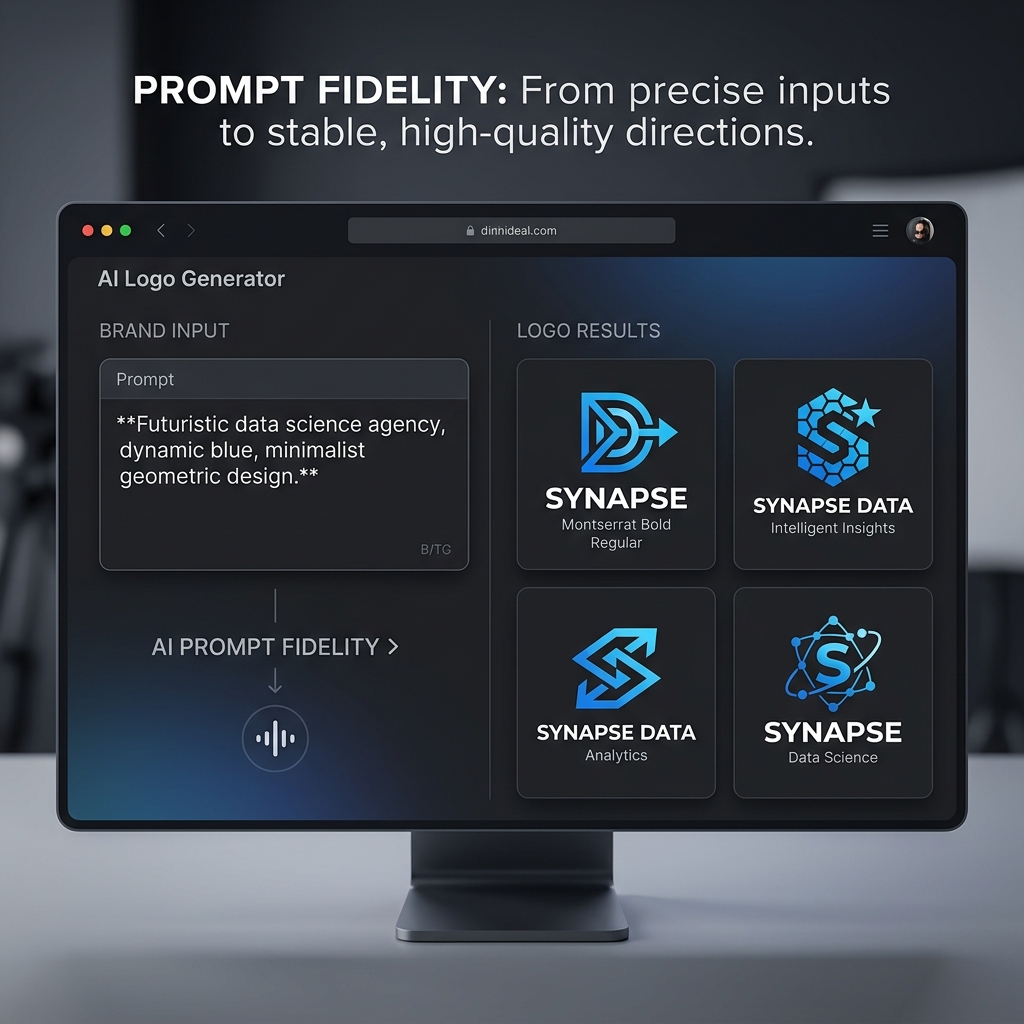
Turn brand descriptions into polished logo concepts. Card Maker generates logo designs with clean composition, appropriate symbolism, and professional typography treatment.
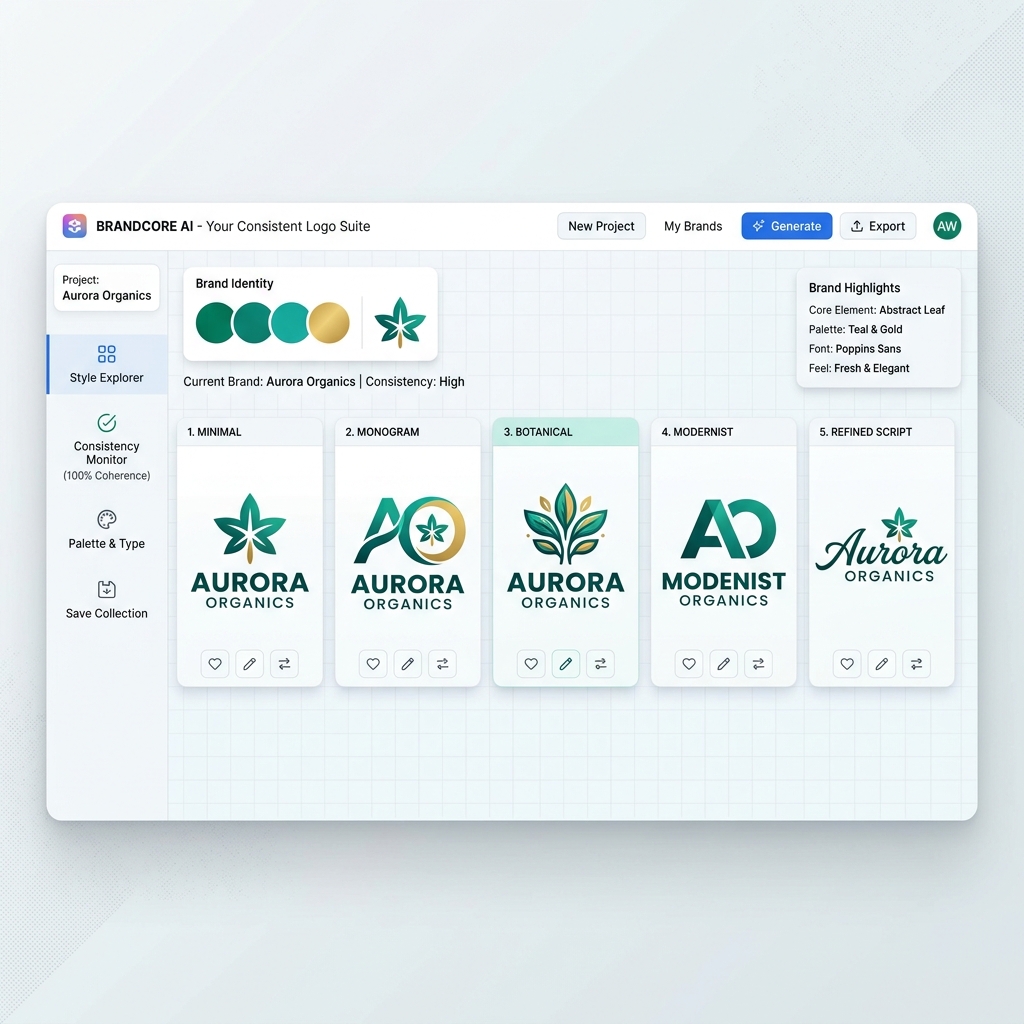
Maintain brand-consistent logo output across variations. Explore different logo styles while keeping core brand identity elements coherent.
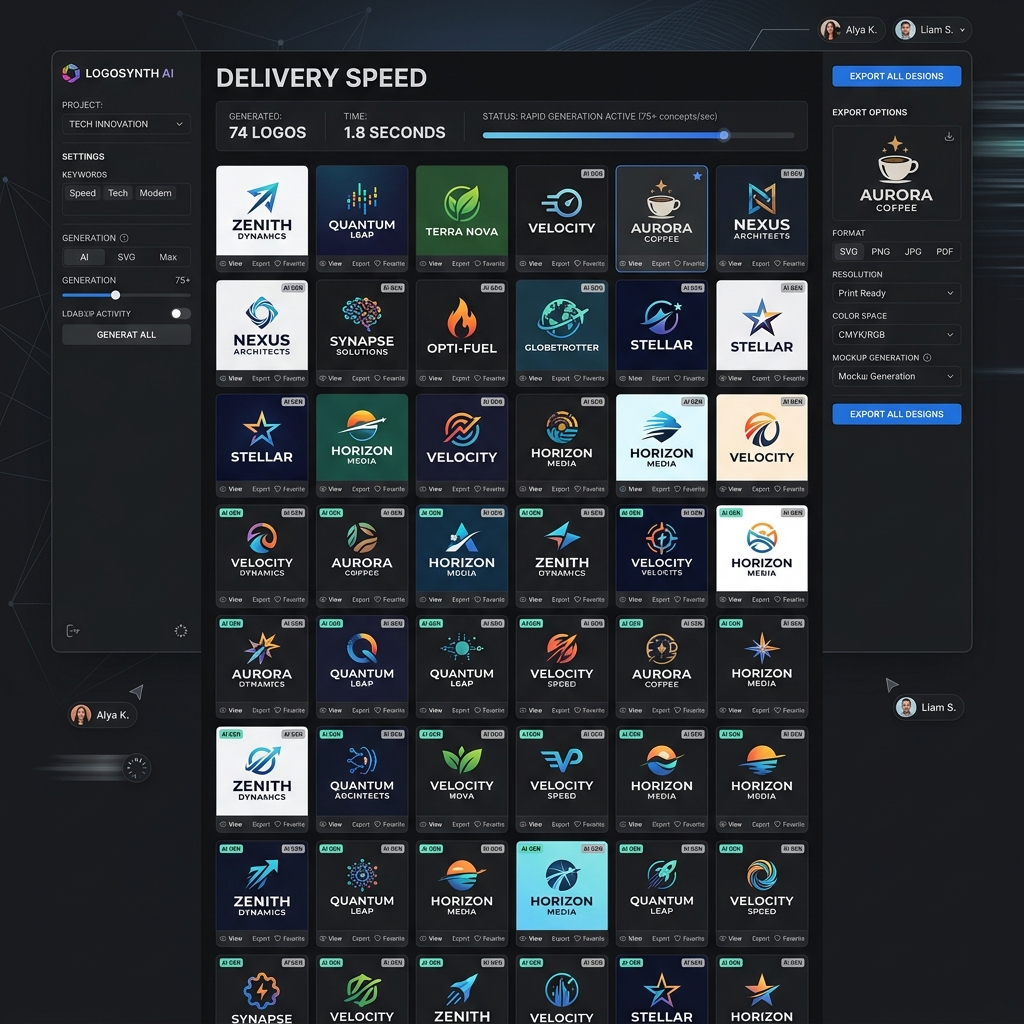
Generate dozens of logo concepts in minutes instead of days. Export logo designs ready for presentations, mockups, and brand guideline documents.
Compare a modern AI Logo Generator workflow in Card Maker with manual production loops that usually require more time and handoff overhead.
Workflow Criteria
Time to get a presentable logo concept
Card Maker
RecommendedTraditional Process
Workflow Criteria
Exploring multiple logo directions quickly
Card Maker
RecommendedTraditional Process
Workflow Criteria
Keeping logo refinements aligned with brand direction
Card Maker
RecommendedTraditional Process
Workflow Criteria
Creating logos in different design styles
Card Maker
RecommendedTraditional Process
Workflow Criteria
Monthly logo design capacity
Card Maker
RecommendedTraditional Process
Workflow CriteriaWhat teams evaluate before launch | RecommendedCard MakerFaster and more consistent output | Traditional ProcessManual-heavy and slower iteration |
|---|---|---|
First usable draftTime to get a presentable logo concept | Generate professional logo concepts in minutes. | Days of designer research and initial logo sketching. |
Variant generation at scaleExploring multiple logo directions quickly | Batch logo variations across styles and layouts. | Commission separate logo concepts from designers. |
Consistency over iterationsKeeping logo refinements aligned with brand direction | Stable brand elements through logo revision cycles. | Design drift as different designers refine the logo. |
Style versatilityCreating logos in different design styles | Generate logo designs in minimalist, vintage, or modern styles. | Different designers needed for each logo style direction. |
Team throughputMonthly logo design capacity | Higher logo output for agencies handling multiple brands. | Limited by designer capacity for each logo project. |
Define brand attributes, iterate directions, and export shortlist options.
Tell the AI about your company, industry, and the logo style direction you envision.
Generate multiple logo variations with different layouts, colors, and typography approaches.
Export your chosen logo design in high resolution for websites, business cards, and marketing materials.
Tell the AI about your company, industry, and the logo style direction you envision.
Generate multiple logo variations with different layouts, colors, and typography approaches.
Export your chosen logo design in high resolution for websites, business cards, and marketing materials.
Browse real logo concepts and brand-mark variations generated with Card Maker. Use these examples as quality references for ecommerce, social, and campaign delivery.
Choose flexible credit packs or subscriptions for Card Maker image generation, editing, and commercial creative workflows.
Perfect for individuals and light users
Includes
For professional creators and teams
Includes
Annual plan for heavy usage.
Includes
Feedback from card collectors, game designers, and creative professionals using Card Maker.
I've been making custom Pokemon cards with Card Maker for my collection. The holographic effects and card frame consistency are impressive — they look like real cards.

Alex Martinez
Pokemon Card Collector
We used Card Maker to prototype our entire card game in two weeks. The style consistency across 120+ cards saved us months of illustration work.

Sarah Chen
TCG Game Designer
I sell custom birthday cards on Etsy. Card Maker helps me create unique designs for each customer in minutes instead of hours of manual design.

Mike Thompson
Birthday Card Seller
My clients love the custom wedding invitation designs I create with Card Maker. I can quickly generate multiple options that match their wedding theme and colors perfectly.

Jessica Park
Wedding Planner
Common questions about creating logos with AI.
An AI logo generator creates professional logo designs from text descriptions. Describe your brand, industry, and style preferences — the AI produces unique logos, wordmarks, and icon concepts.
Yes. The AI generates clean, professional-grade logos suitable for business use. Specify your industry, brand values, color preferences, and style (minimalist, bold, vintage, etc.) for best results.
New users receive free credits upon signup. Each logo generation costs credits. Generate multiple concepts to find your perfect brand identity.
Wordmark logos, lettermark, icon/symbol, combination mark, emblem, abstract, and mascot logos. Specify the logo type in your prompt for targeted results.
Specify 'white background' or 'simple clean background' in your prompt for easy background removal. Use the background remover tool to create a transparent PNG version.
Yes. Generate multiple versions by varying your prompt — different color schemes, layouts, and styles. This gives you a range of concepts for your brand identity exploration.
Related Tools
Move into closely related tools when you need editing, cleanup, packaging, or alternate visual directions beyond this specific scenario.
Text to Image
Open this related workflow to compare prompts, outputs, and use cases.
AI Image Generator — Create Images from Text with AI
Open this related workflow to compare prompts, outputs, and use cases.
AI Sticker Generator — Create Custom Stickers with AI
Open this related workflow to compare prompts, outputs, and use cases.
AI Ad Creative Generator — Create Ad Visuals with AI
Open this related workflow to compare prompts, outputs, and use cases.
Create broad logo directions quickly before final design production.