
cinematic editorial portrait
Generate a cinematic editorial portrait with soft rim light, dark background, realistic skin detail, and premium magazine-style contrast.
Use this promptGenerate AI portraits from selfies or text prompts for editorial shoots, profile images, posters, gifts, and personal branding. Control lighting, mood, composition, and art direction without a studio setup.
Upload a photo or write a detailed prompt to watch AI bring your idea to life.
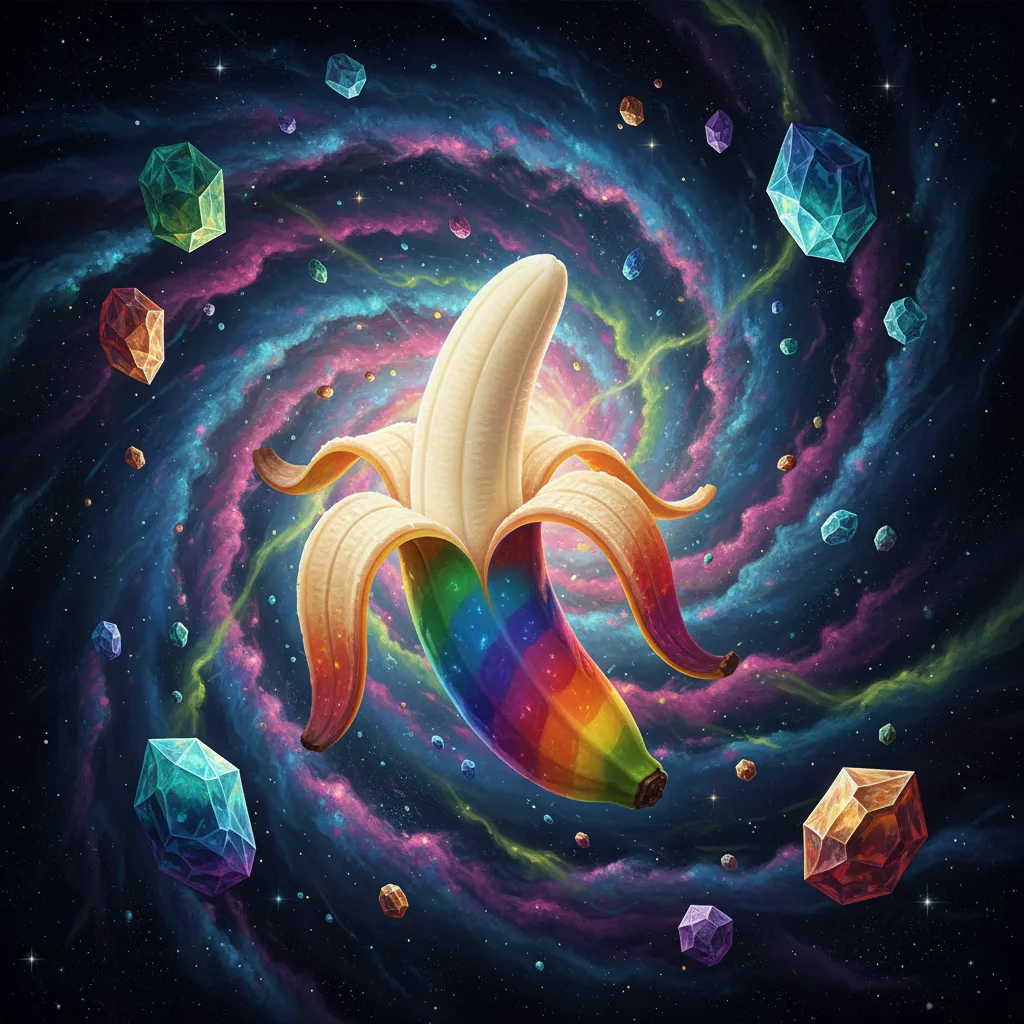
Card Maker makes it easier to create portrait assets that feel intentional and production-ready.
Prompt Library
Start from a concrete brief instead of a blank box. Each example is written for a real use case so you can adapt it quickly to your own image workflow.
Generate a cinematic editorial portrait with soft rim light, dark background, realistic skin detail, and premium magazine-style contrast.
Use this prompt
Create a clean studio portrait with neutral backdrop, polished fashion lighting, natural skin tones, and sharp shoulders-up framing.
Use this prompt
Produce a social-ready portrait set with consistent face crop, subtle background blur, natural expression, and warm premium color grading.
Use this promptUse Card Maker to produce portrait visuals for campaigns and social with higher prompt fidelity, stronger consistency, and channel-ready quality for real delivery cycles.
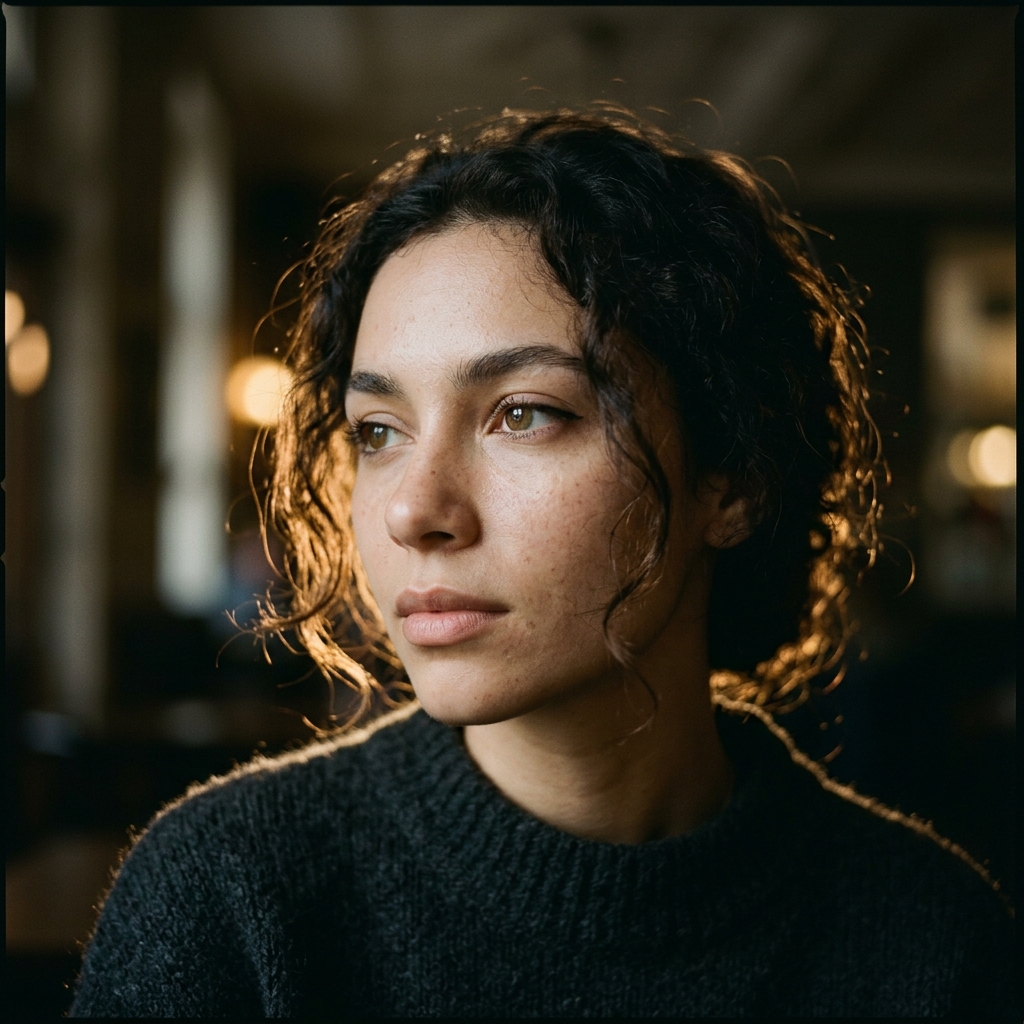
Transform photos into artistic portrait illustrations. Card Maker captures facial features and expressions while applying your chosen artistic portrait style with precision.
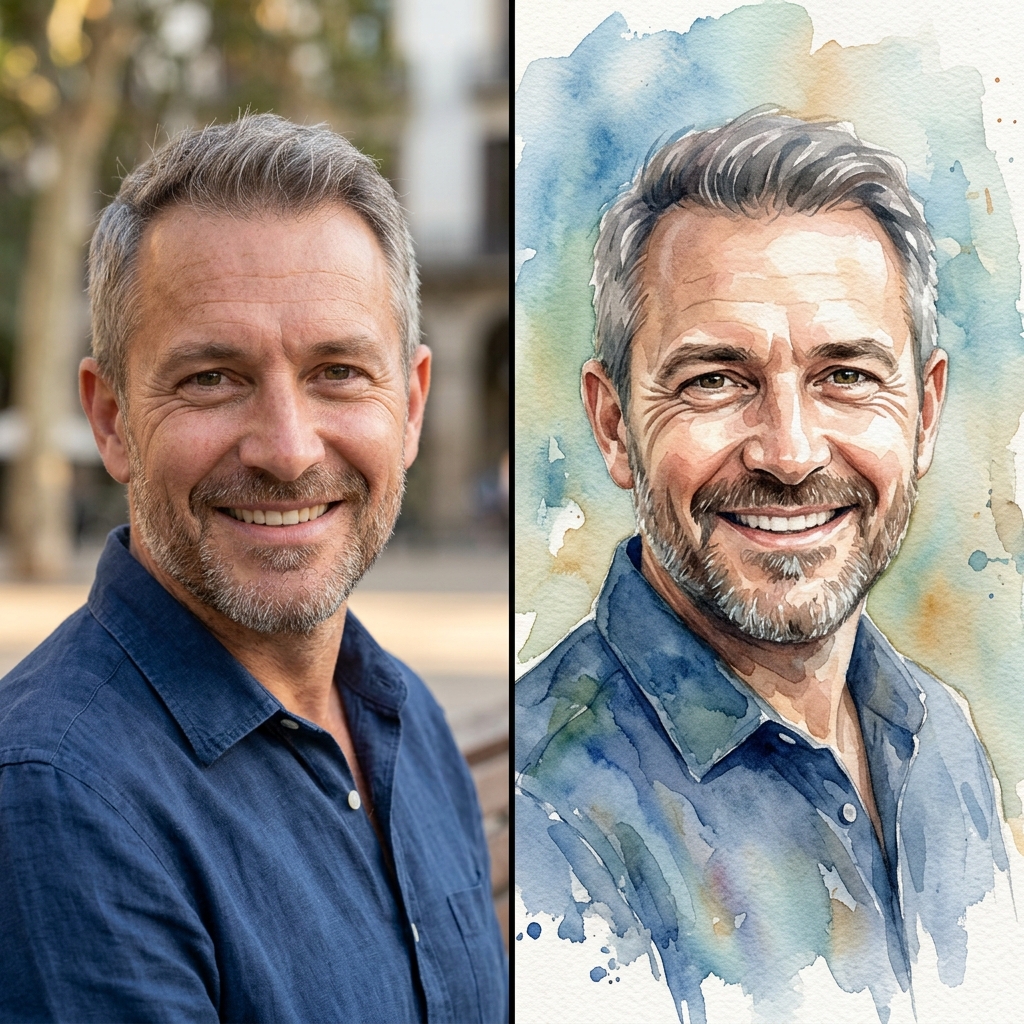
Maintain recognizable likeness while producing portrait variations in different artistic styles — from classical oil painting to modern digital illustration.
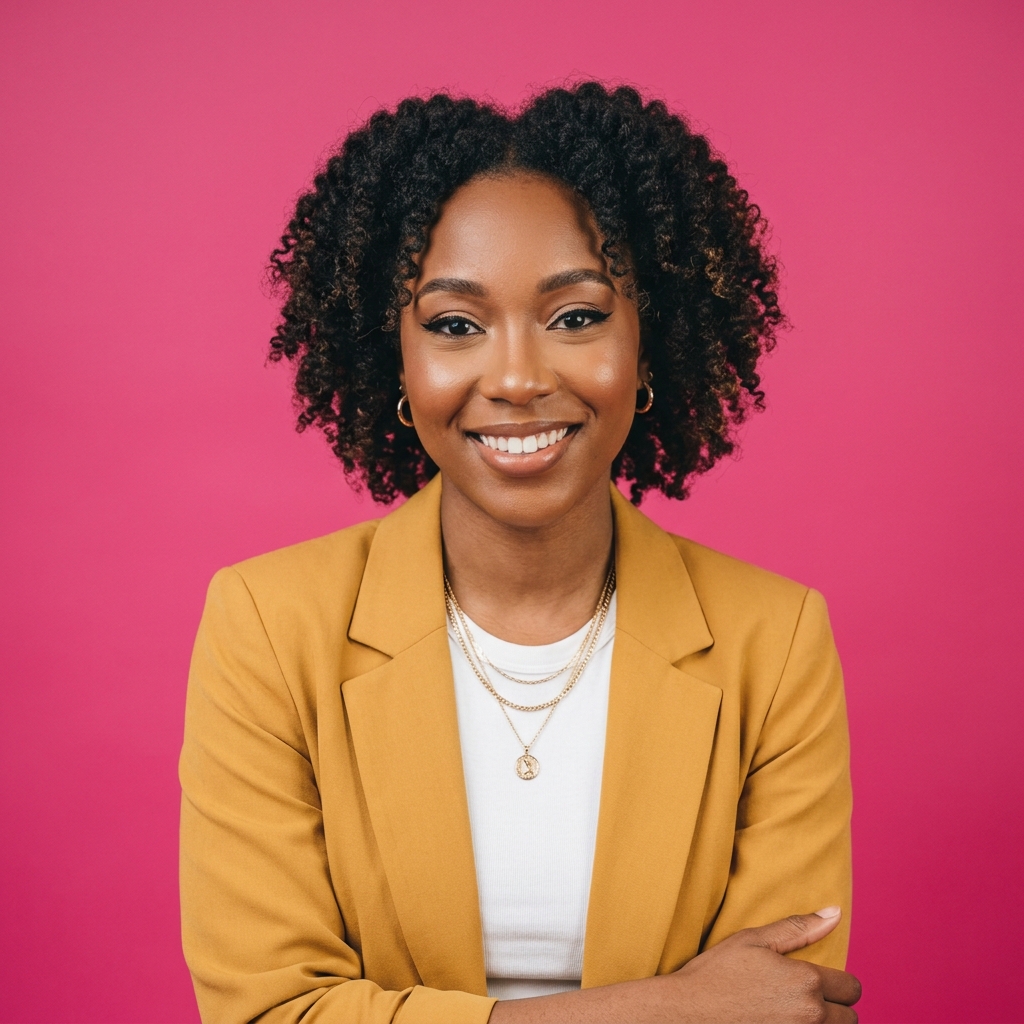
Create custom portrait artwork in minutes. Export portrait files for gift printing, social media profiles, and professional portfolio displays.
Compare a modern AI Portrait Generator workflow in Card Maker with manual production loops that usually require more time and handoff overhead.
Workflow Criteria
Time to create a stylized portrait artwork
Card Maker
RecommendedTraditional Process
Workflow Criteria
Creating portrait sets in multiple artistic styles
Card Maker
RecommendedTraditional Process
Workflow Criteria
Maintaining portrait likeness through style changes
Card Maker
RecommendedTraditional Process
Workflow Criteria
Number of portrait artistic styles available
Card Maker
RecommendedTraditional Process
Workflow Criteria
Monthly portrait production capacity
Card Maker
RecommendedTraditional Process
Workflow CriteriaWhat teams evaluate before launch | RecommendedCard MakerFaster and more consistent output | Traditional ProcessManual-heavy and slower iteration |
|---|---|---|
First usable draftTime to create a stylized portrait artwork | Generate a polished artistic portrait in under a minute. | Hours or days for a commissioned portrait painting. |
Variant generation at scaleCreating portrait sets in multiple artistic styles | Batch portrait style variations from one reference photo. | Commission separate artists for each portrait style. |
Consistency over iterationsMaintaining portrait likeness through style changes | Stable likeness across all portrait style experiments. | Likeness varies between different artist interpretations. |
Style rangeNumber of portrait artistic styles available | One tool for oil, watercolor, anime, and digital portrait styles. | Different artists needed for each portrait medium. |
Team throughputMonthly portrait production capacity | Higher portrait output for gift shops and event services. | Limited by artist availability and painting turnaround. |
Define portrait style, iterate lighting and tone, and export final variants.
Provide a face photo as the foundation for your AI portrait transformation.
Select your preferred artistic style and composition for the portrait output.
Export the finished portrait artwork in high resolution for printing, gifts, or digital display.
Provide a face photo as the foundation for your AI portrait transformation.
Select your preferred artistic style and composition for the portrait output.
Export the finished portrait artwork in high resolution for printing, gifts, or digital display.
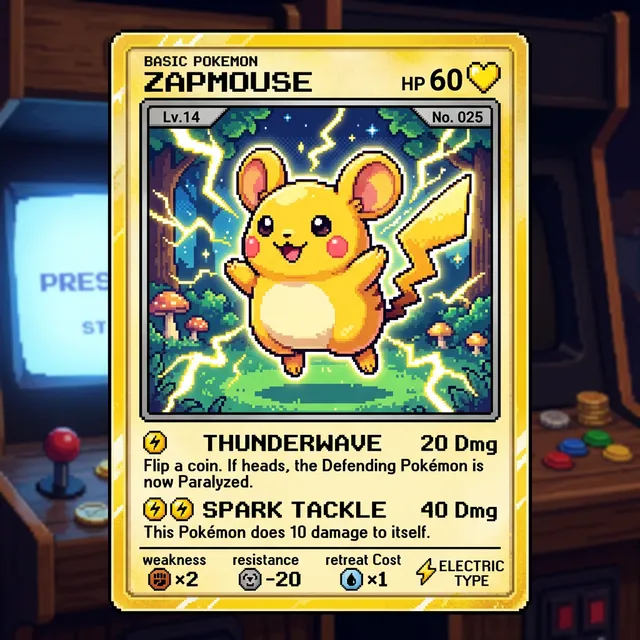
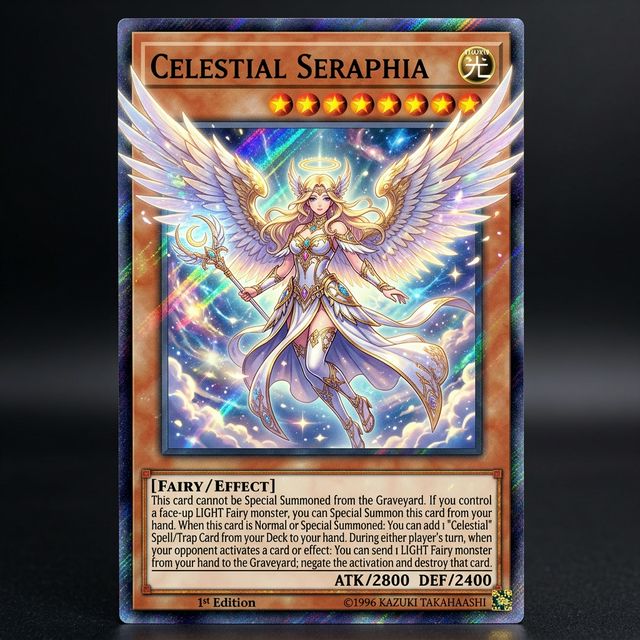
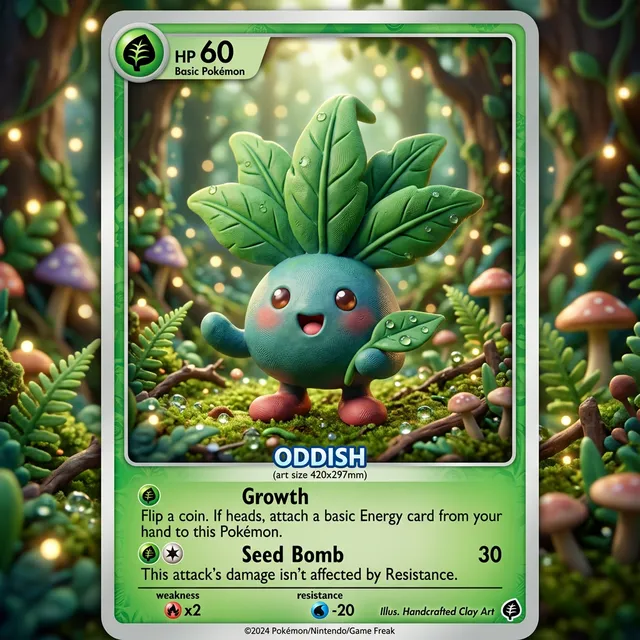
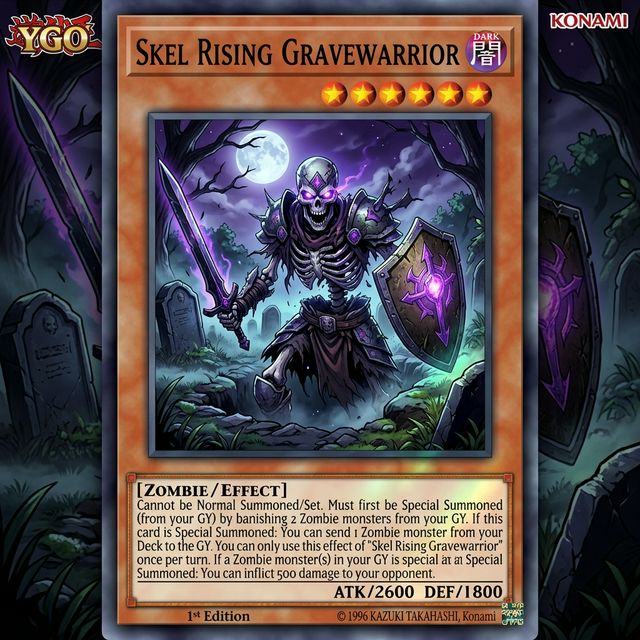
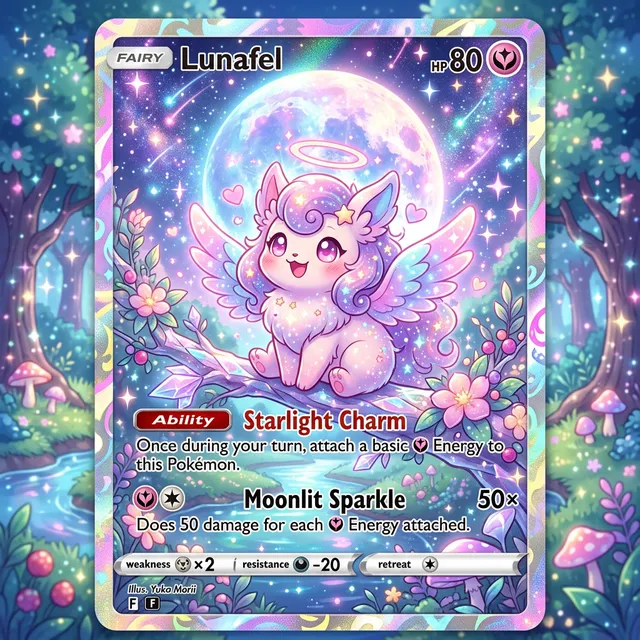
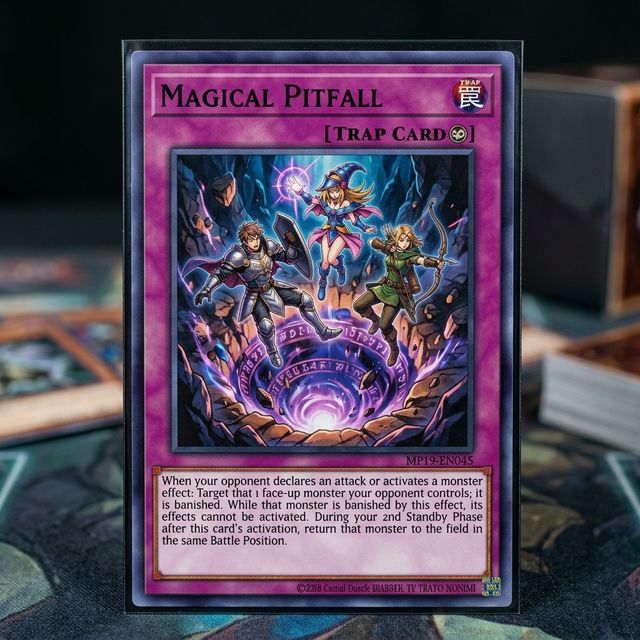
Browse real portrait visuals for campaigns and social generated with Card Maker. Use these examples as quality references for ecommerce, social, and campaign delivery.
Choose flexible credit packs or subscriptions for Card Maker image generation, editing, and commercial creative workflows.
Perfect for individuals and light users
Includes
For professional creators and teams
Includes
Annual plan for heavy usage.
Includes
Feedback from card collectors, game designers, and creative professionals using Card Maker.
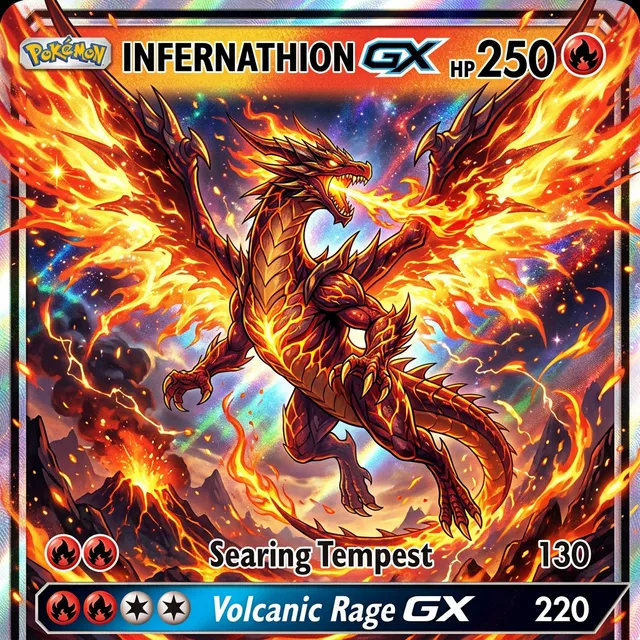
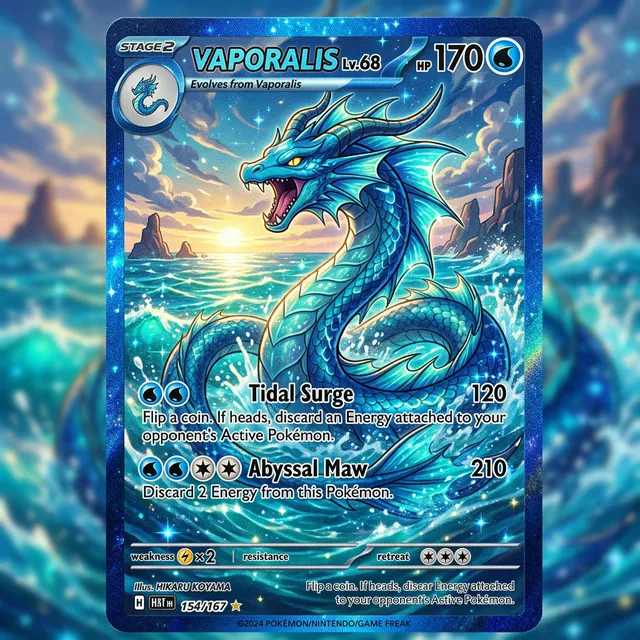
I've been making custom Pokemon cards with Card Maker for my collection. The holographic effects and card frame consistency are impressive — they look like real cards.

Alex Martinez
Pokemon Card Collector
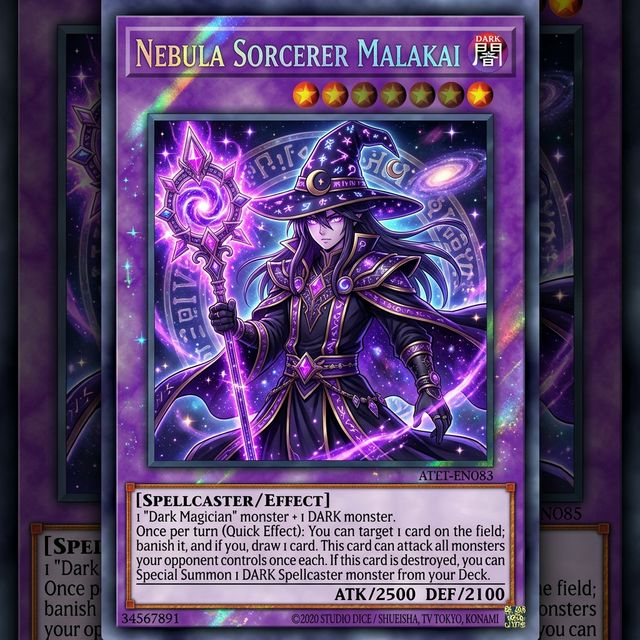
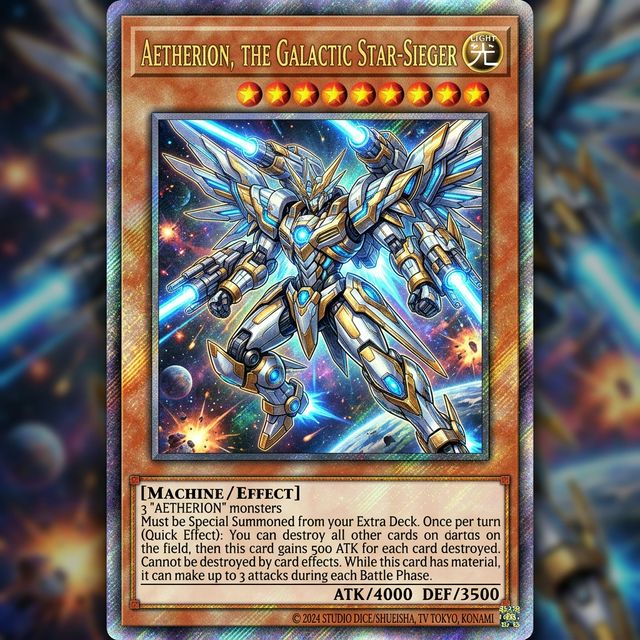
We used Card Maker to prototype our entire card game in two weeks. The style consistency across 120+ cards saved us months of illustration work.

Sarah Chen
TCG Game Designer
I sell custom birthday cards on Etsy. Card Maker helps me create unique designs for each customer in minutes instead of hours of manual design.

Mike Thompson
Birthday Card Seller
My clients love the custom wedding invitation designs I create with Card Maker. I can quickly generate multiple options that match their wedding theme and colors perfectly.
Jessica Park
Wedding Planner
Common questions about creating portraits with AI.
An AI portrait generator creates artistic or photorealistic portraits from photos or text descriptions. Generate professional headshots, fantasy character portraits, or stylized art from any reference.
Yes. Upload your photo and specify the desired style — oil painting, watercolor, digital art, anime, pencil sketch, or photorealistic enhancement. The AI transforms your photo into a stunning portrait.
New users receive free credits upon signup. Each portrait generation costs credits. Multiple styles can be generated from the same source photo.
Oil painting, watercolor, digital art, anime/manga, pencil sketch, pop art, classical Renaissance, impressionist, minimalist, and photorealistic styles. Specify your preferred style in the prompt.
Upload a well-lit, front-facing photo with a clean background. Specify the art style, color palette, and any additional elements (background, clothing, props) for the most accurate results.
Yes. Upload a group photo or describe the subjects and their arrangement. The AI generates multi-person portraits while maintaining individual likeness and consistent styling.
Related Tools
Move into closely related tools when you need editing, cleanup, packaging, or alternate visual directions beyond this specific scenario.
Image to Image
Open this related workflow to compare prompts, outputs, and use cases.
AI Headshot Generator — Create Professional Headshots with AI
Open this related workflow to compare prompts, outputs, and use cases.
AI Profile Picture Generator — Create Custom Profile Pictures
Open this related workflow to compare prompts, outputs, and use cases.
AI Caricature Generator — Create Custom Caricatures with AI
Open this related workflow to compare prompts, outputs, and use cases.
Generate high-quality portrait visuals for personal and brand storytelling.