
ecommerce hero image
Create an ecommerce hero image for a glass skincare bottle on travertine stone, diffused studio light, soft shadow falloff, clean headline space above the product.
Use this promptGenerate original AI images from text or reference images for ads, product visuals, thumbnails, portraits, and social content. Use preset prompts, upload references, and export ready-to-publish assets.
Upload a photo or write a detailed prompt to watch AI bring your idea to life.
Card Maker combines AI reasoning with practical controls so teams can move from rough concept to usable campaign assets quickly.
Prompt Library
Start from a concrete brief instead of a blank box. Each example is written for a real use case so you can adapt it quickly to your own image workflow.
Create an ecommerce hero image for a glass skincare bottle on travertine stone, diffused studio light, soft shadow falloff, clean headline space above the product.
Use this prompt
Design a YouTube thumbnail about productivity mistakes, expressive creator portrait on the left, bold yellow text area on the right, high contrast, uncluttered background.
Use this prompt
Generate a minimalist fashion poster for a streetwear drop, full-body model, strong negative space, editorial lighting, poster-safe typography area at the top.
Use this promptUse Card Maker to produce AI-generated campaign visuals with higher prompt fidelity, stronger consistency, and channel-ready quality for real delivery cycles.
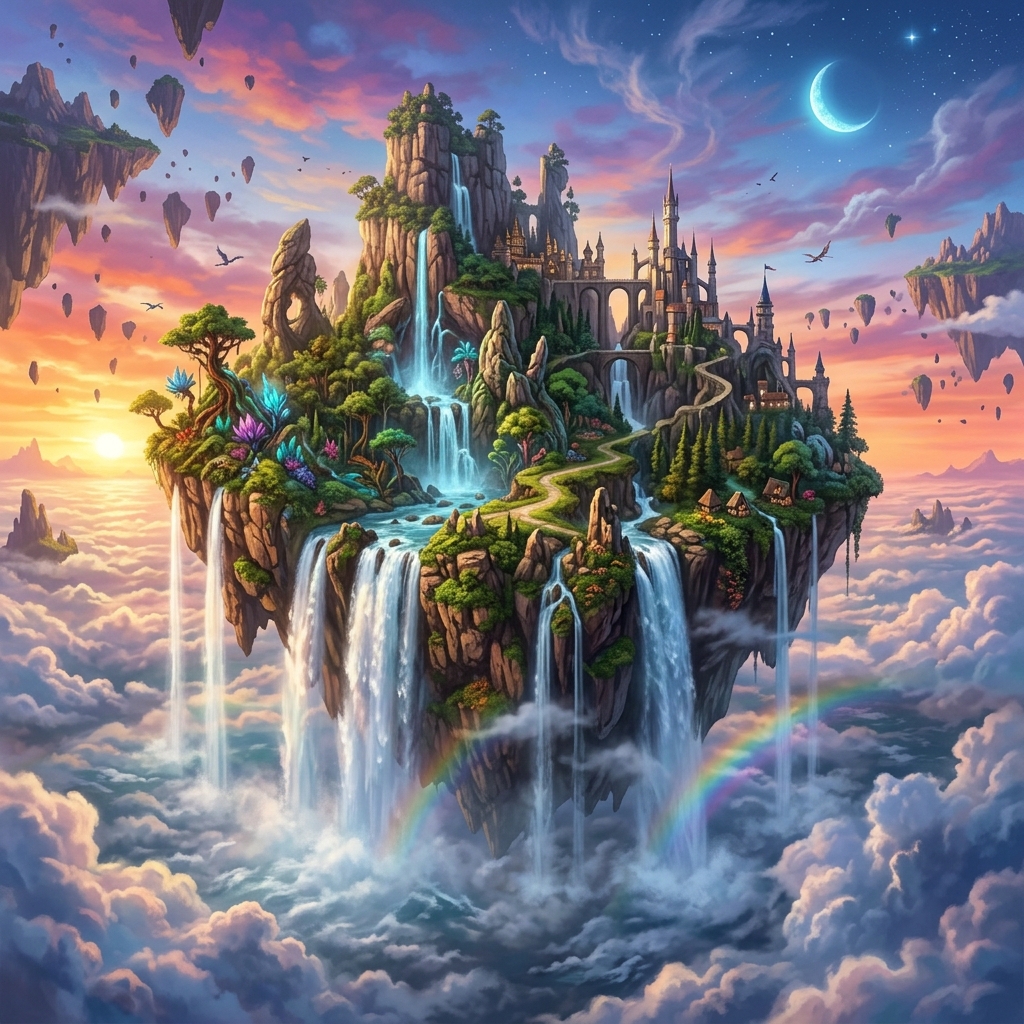
Turn text descriptions into stunning visuals with Card Maker's image generator. The AI follows detailed prompt constraints for style, composition, and subject accuracy.
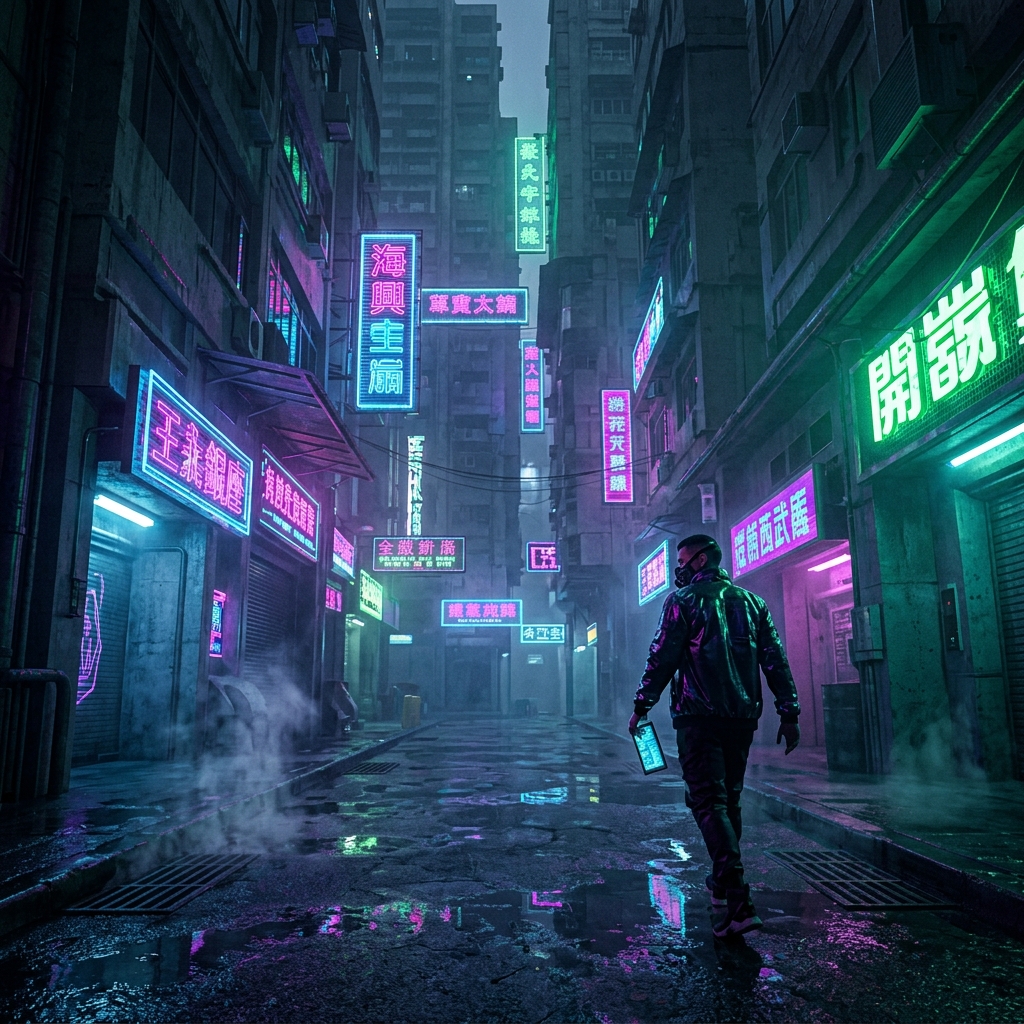
Maintain visual consistency across image generator outputs. Produce series of images with coherent style, color palette, and artistic direction.
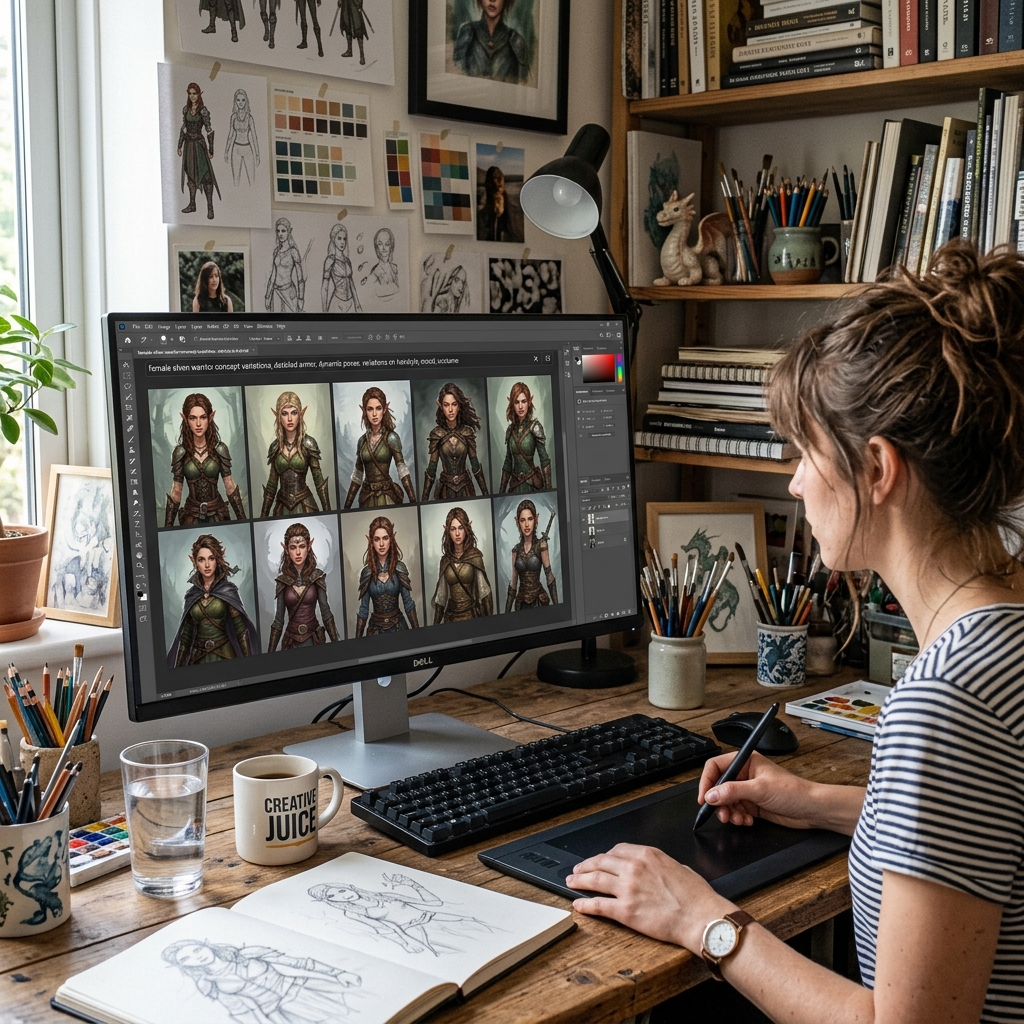
Generate production-quality images in seconds. Export from the image generator directly into design workflows, marketing campaigns, and content pipelines.
Compare a modern AI Image Generator workflow in Card Maker with manual production loops that usually require more time and handoff overhead.
Workflow Criteria
Time to get a production-ready generated image
Card Maker
RecommendedTraditional Process
Workflow Criteria
Creating multiple image variations from one concept
Card Maker
RecommendedTraditional Process
Workflow Criteria
Maintaining visual style across generated image sets
Card Maker
RecommendedTraditional Process
Workflow Criteria
Range of styles and subjects the generator handles
Card Maker
RecommendedTraditional Process
Workflow Criteria
Weekly visual content production capacity
Card Maker
RecommendedTraditional Process
Workflow CriteriaWhat teams evaluate before launch | RecommendedCard MakerFaster and more consistent output | Traditional ProcessManual-heavy and slower iteration |
|---|---|---|
First usable draftTime to get a production-ready generated image | Image generator produces draft visuals in seconds. | Hours of manual illustration or stock photo searching. |
Variant generation at scaleCreating multiple image variations from one concept | Batch image generation for A/B testing and campaigns. | Commission separate illustrations for each variation. |
Consistency over iterationsMaintaining visual style across generated image sets | Consistent image generator output across style series. | Style inconsistency when using multiple freelancers. |
Prompt versatilityRange of styles and subjects the generator handles | One image generator for photo, art, anime, and more. | Different specialists needed for each visual style. |
Team throughputWeekly visual content production capacity | Higher content output with AI image generation. | Limited by designer availability and turnaround time. |
A simple image pipeline that fits real content and marketing teams.
Write a text prompt describing the image you want the AI image generator to create.
Select artistic style, aspect ratio, and quality settings for your image generation.
Export generated images and refine with follow-up prompts for perfect results.
Write a text prompt describing the image you want the AI image generator to create.
Select artistic style, aspect ratio, and quality settings for your image generation.
Export generated images and refine with follow-up prompts for perfect results.
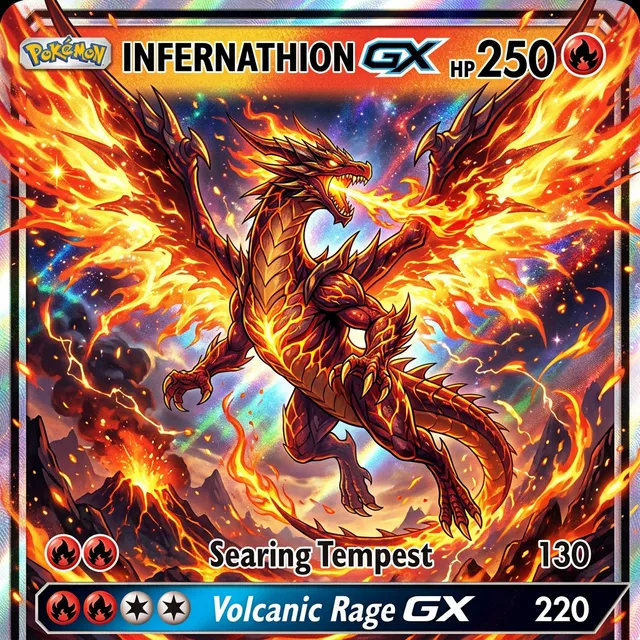
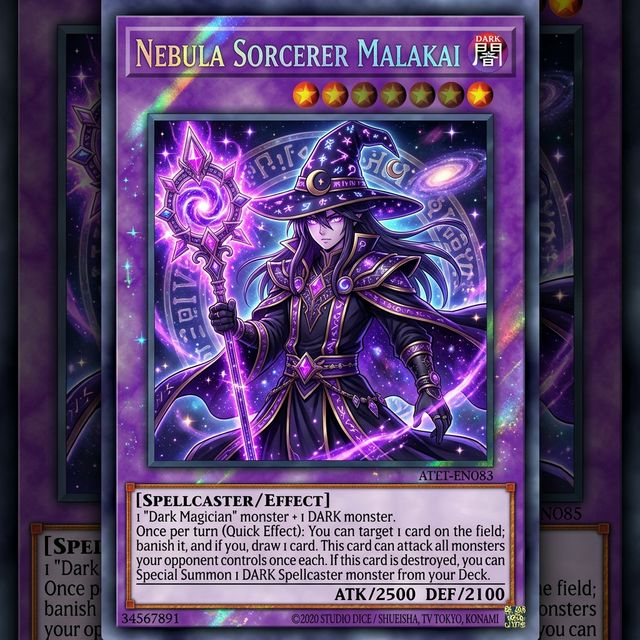
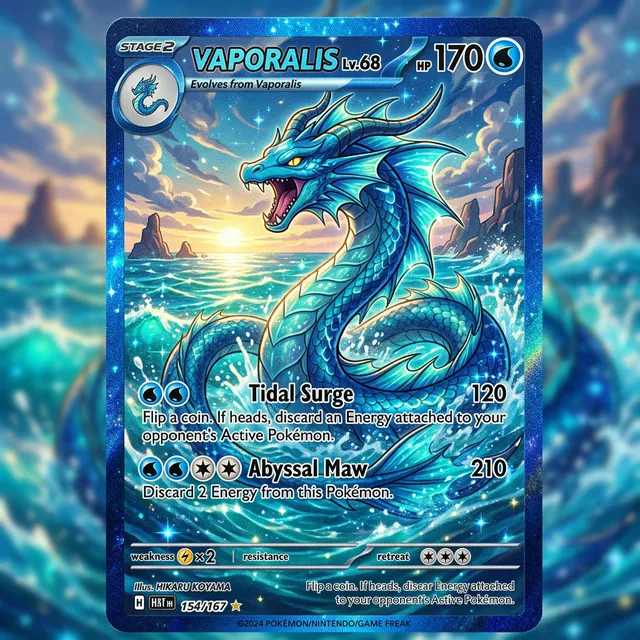
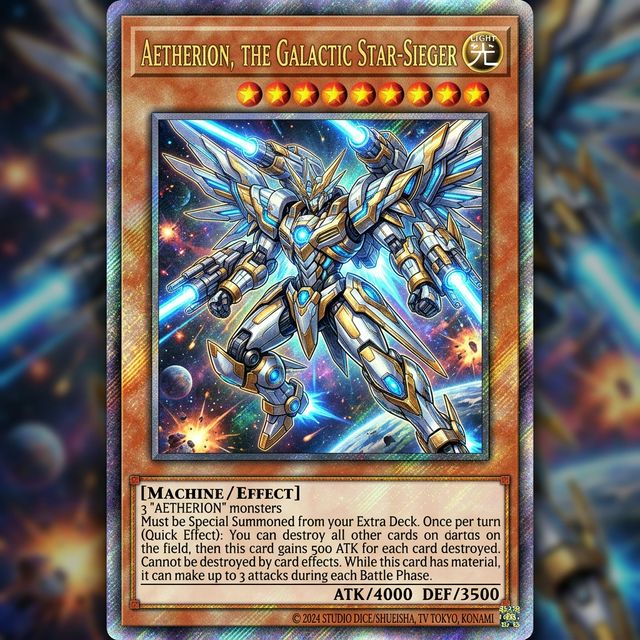
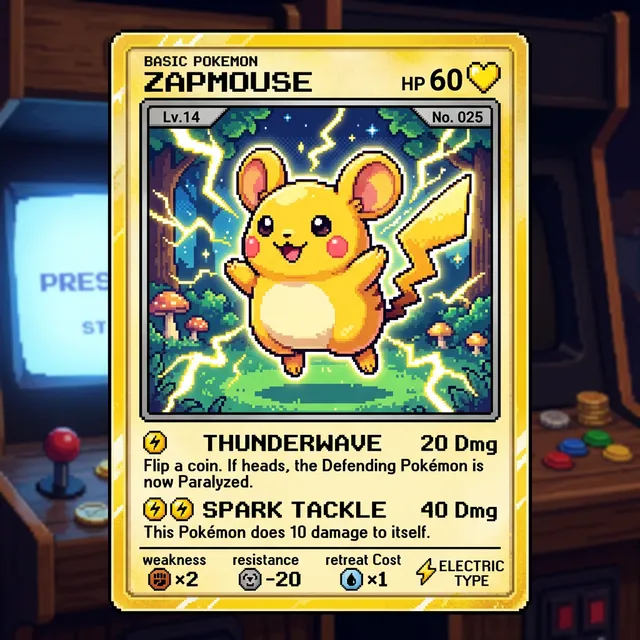
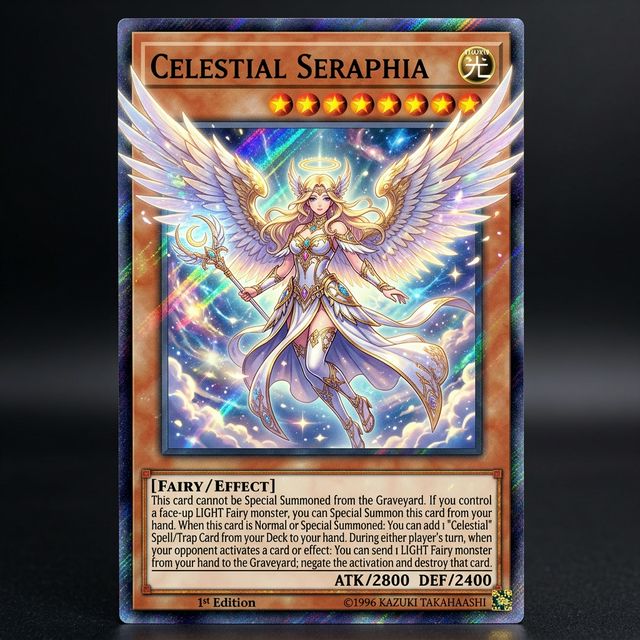
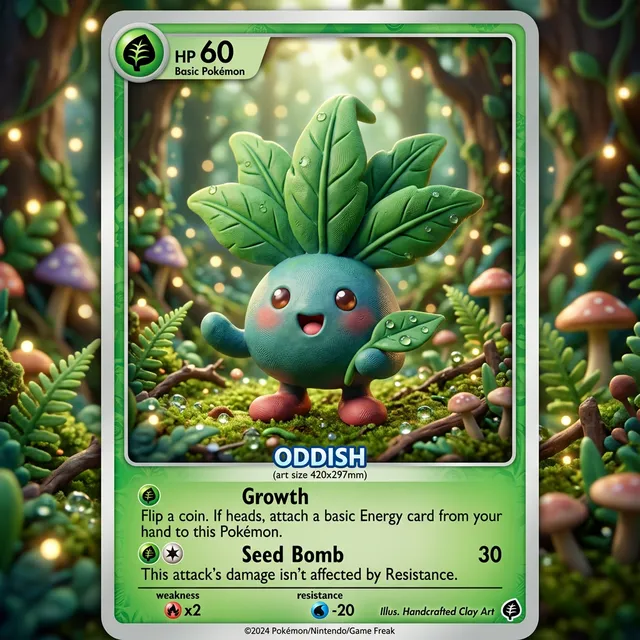
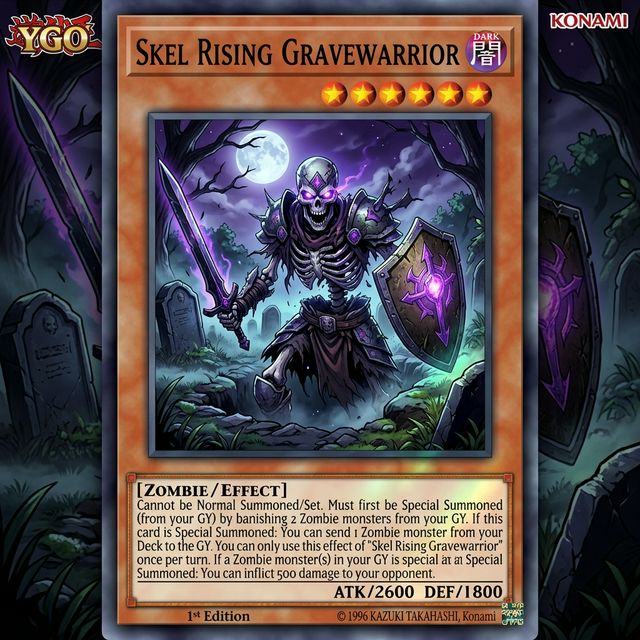
Browse real AI-generated campaign visuals generated with Card Maker. Use these examples as quality references for ecommerce, social, and campaign delivery.
Choose flexible credit packs or subscriptions for Card Maker image generation, editing, and commercial creative workflows.
Perfect for individuals and light users
Includes
For professional creators and teams
Includes
Annual plan for heavy usage.
Includes
Feedback from card collectors, game designers, and creative professionals using Card Maker.
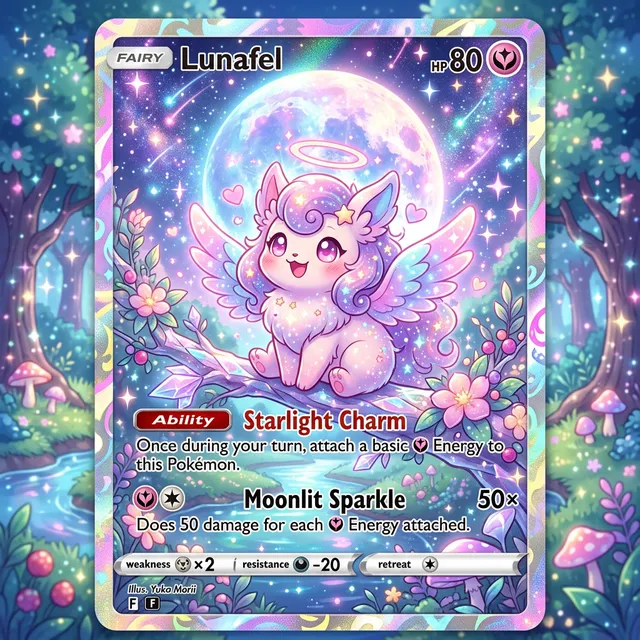
I've been making custom Pokemon cards with Card Maker for my collection. The holographic effects and card frame consistency are impressive — they look like real cards.

Alex Martinez
Pokemon Card Collector
We used Card Maker to prototype our entire card game in two weeks. The style consistency across 120+ cards saved us months of illustration work.

Sarah Chen
TCG Game Designer
I sell custom birthday cards on Etsy. Card Maker helps me create unique designs for each customer in minutes instead of hours of manual design.

Mike Thompson
Birthday Card Seller
My clients love the custom wedding invitation designs I create with Card Maker. I can quickly generate multiple options that match their wedding theme and colors perfectly.

Jessica Park
Wedding Planner
Common questions about generating images with AI from text prompts.
An AI image generator creates original images from text descriptions (prompts). Describe what you want — art style, subject, composition, lighting — and the AI produces a unique image matching your vision.
Yes. Generate from text prompts alone, or upload a reference image and transform it with text instructions. Image-to-image mode is ideal for edits, style transfers, and variations.
New users receive free credits upon signup. Each generation costs 3-10 credits depending on the model and resolution. Additional credit packs are available on the pricing page.
Photorealistic photos, digital art, anime/manga, oil painting, watercolor, pixel art, 3D renders, vector illustrations, and any style you can describe. Specify the style clearly in your prompt.
Be specific: include subject, art style, lighting, composition, color palette, and mood. Use descriptive adjectives and reference well-known art styles. More detail produces more accurate results.
Card Maker offers Nano Banana (standard), Nano Banana Pro (advanced), and Nano Banana 2 (latest). Each model has different strengths — Pro excels at photorealism, while Nano Banana 2 offers the best overall quality.
Yes. Images generated with Card Maker can be used for personal and commercial projects including social media, marketing, merchandise, and publications.
Generate images in square (1:1), landscape (16:9, 4:3), portrait (9:16, 3:4), and custom aspect ratios. Higher resolutions are available with Pro models for print-quality output.
Related Tools
Move into closely related tools when you need editing, cleanup, packaging, or alternate visual directions beyond this specific scenario.
AI Photo Editor — Edit Photos with AI Intelligence
Open this related workflow to compare prompts, outputs, and use cases.
AI Product Image Generator — Create Product Photos with AI
Open this related workflow to compare prompts, outputs, and use cases.
AI YouTube Thumbnail Generator — Create Click-Worthy Thumbnails
Open this related workflow to compare prompts, outputs, and use cases.
AI Ad Creative Generator — Create Ad Visuals with AI
Open this related workflow to compare prompts, outputs, and use cases.
Use Card Maker to build faster visual workflows for campaigns, products, and content teams.