
forearm blackwork concept
Generate a forearm blackwork tattoo concept with strong line hierarchy, vertical flow, stencil-friendly contrast, and balanced negative space.
Use this promptGenerate tattoo concept art for idea exploration, moodboards, and artist references. Control style, body placement, line weight, and negative space before moving into a final custom design process.
Upload a photo or write a detailed prompt to watch AI bring your idea to life.

Card Maker helps generate tattoo moodboards and concept drafts before detailed manual refinement.
Prompt Library
Start from a concrete brief instead of a blank box. Each example is written for a real use case so you can adapt it quickly to your own image workflow.
Generate a forearm blackwork tattoo concept with strong line hierarchy, vertical flow, stencil-friendly contrast, and balanced negative space.
Use this prompt
Create a neo-traditional tattoo draft for an upper-arm sleeve with bold outlines, limited palette, and readable focal hierarchy for artist refinement.
Use this prompt
Design a fine-line floral tattoo for the shoulder with delicate line work, open negative space, and composition shaped to the body placement.
Use this promptUse Card Maker to produce tattoo concept drafts and style explorations with higher prompt fidelity, stronger consistency, and channel-ready quality for real delivery cycles.
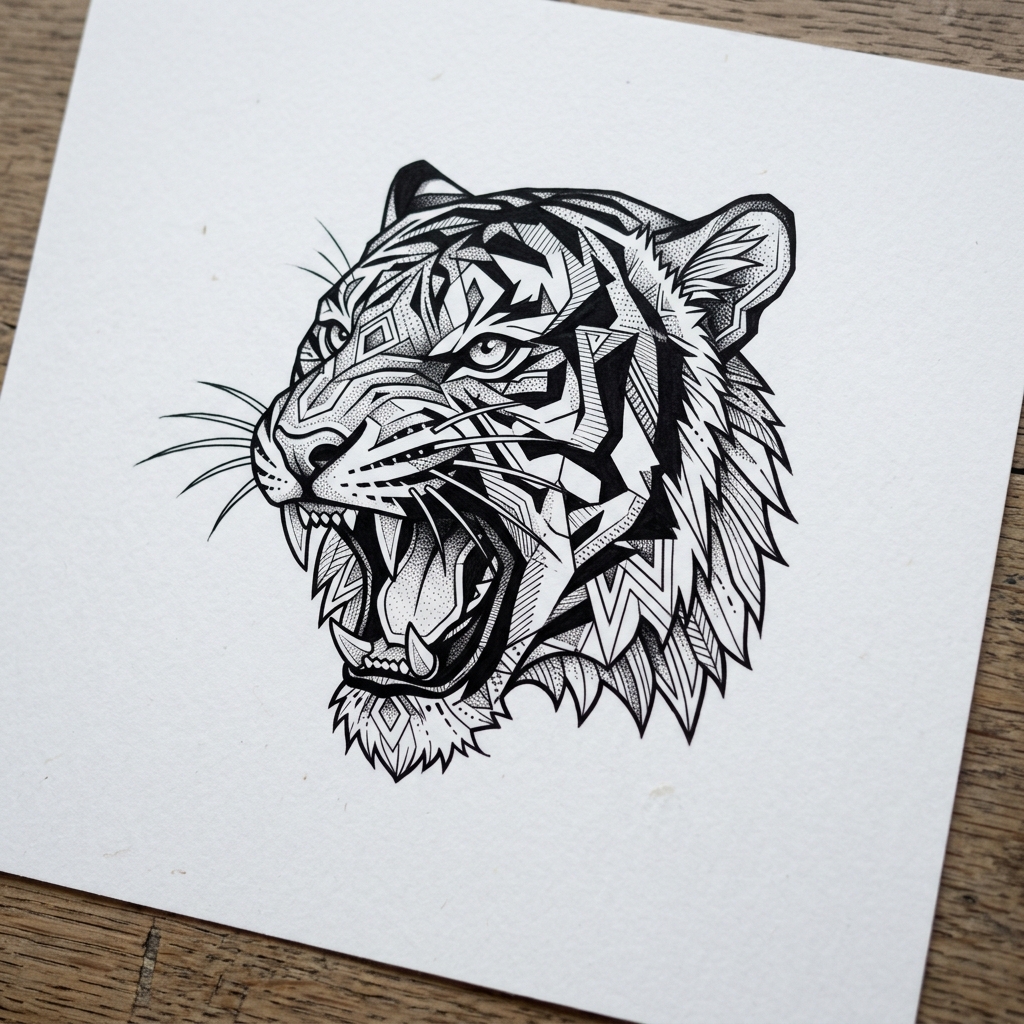
Turn tattoo ideas into detailed design references. Card Maker generates tattoo artwork with accurate line work, shading, and style-appropriate composition.
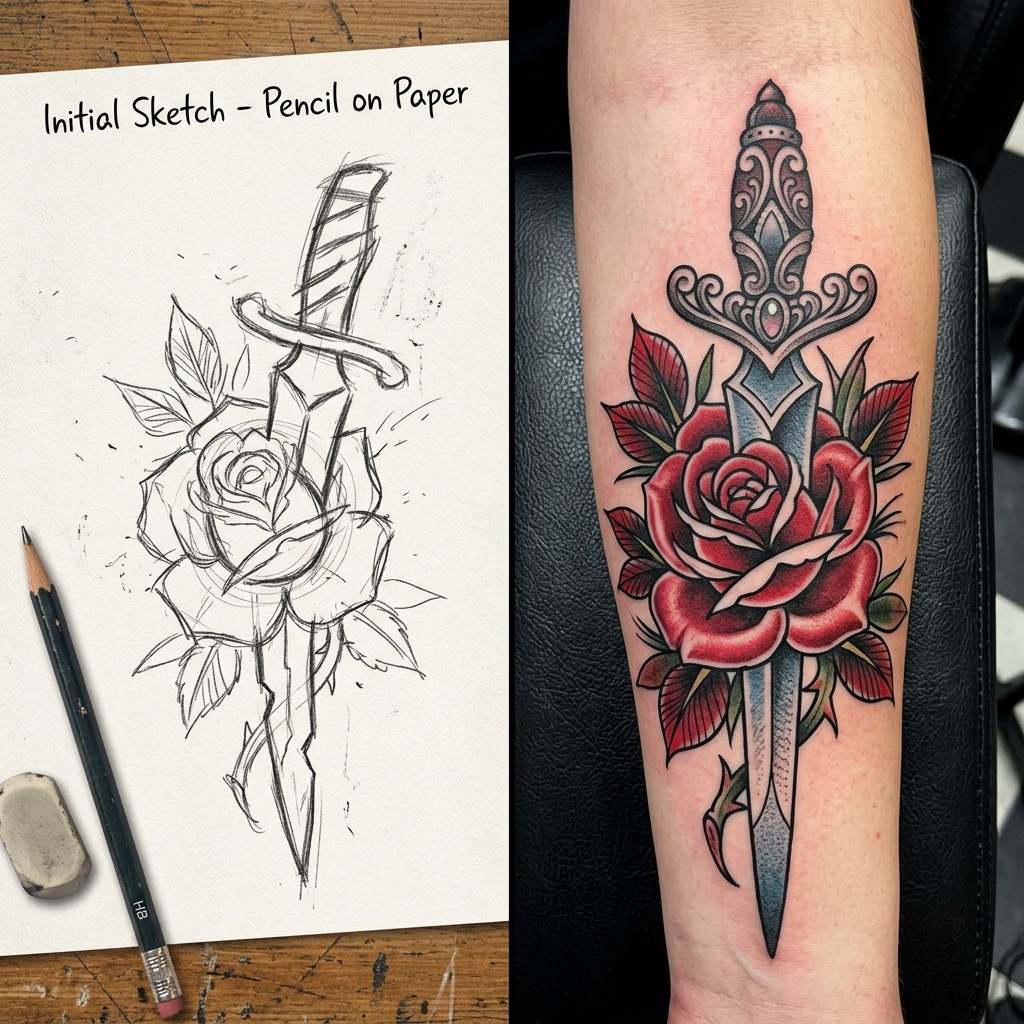
Explore multiple tattoo style interpretations of the same concept. Compare traditional, geometric, and watercolor tattoo versions side by side.
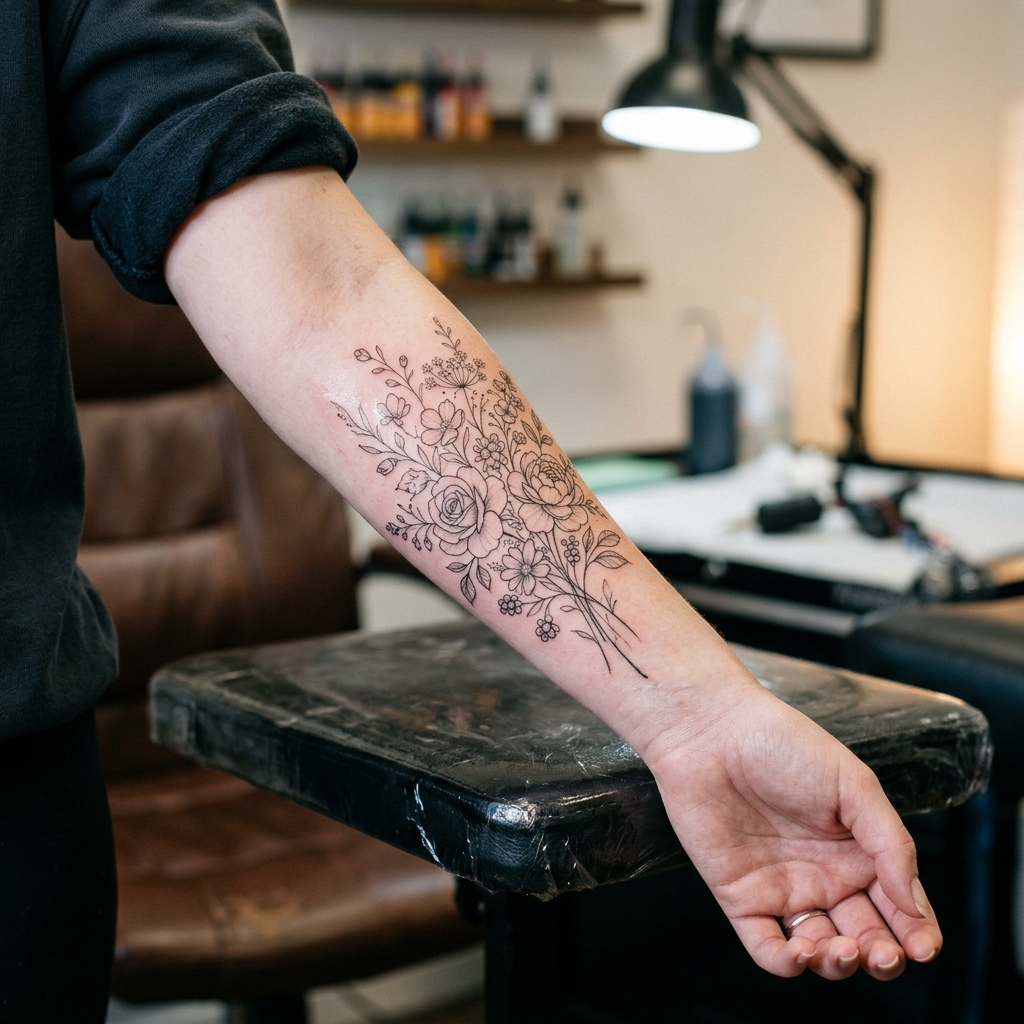
Generate detailed tattoo reference sheets in minutes instead of hours. Export tattoo designs for client consultations and artist collaboration.
Compare a modern AI Tattoo Generator workflow in Card Maker with manual production loops that usually require more time and handoff overhead.
Workflow Criteria
Time to get a detailed tattoo design concept
Card Maker
RecommendedTraditional Process
Workflow Criteria
Exploring tattoo designs in different styles
Card Maker
RecommendedTraditional Process
Workflow Criteria
Keeping tattoo design elements coherent through revisions
Card Maker
RecommendedTraditional Process
Workflow Criteria
Matching specific tattoo art traditions
Card Maker
RecommendedTraditional Process
Workflow Criteria
Consultation and design production speed
Card Maker
RecommendedTraditional Process
Workflow CriteriaWhat teams evaluate before launch | RecommendedCard MakerFaster and more consistent output | Traditional ProcessManual-heavy and slower iteration |
|---|---|---|
First usable draftTime to get a detailed tattoo design concept | Generate a detailed tattoo reference in under a minute. | Hours of back-and-forth sketching with a tattoo artist. |
Variant generation at scaleExploring tattoo designs in different styles | Batch tattoo style variations from one concept instantly. | Separate sketching sessions for each tattoo style direction. |
Consistency over iterationsKeeping tattoo design elements coherent through revisions | Stable tattoo composition through all design iterations. | Design elements shift with each manual tattoo sketch revision. |
Style accuracyMatching specific tattoo art traditions | AI generates tattoo designs that match style traditions accurately. | Requires a specialist artist for each tattoo style category. |
Client throughputConsultation and design production speed | Faster tattoo concept turnaround for client consultations. | Multiple days between each tattoo design revision. |
Describe style and motif, iterate composition, and export draft options.
Provide a text description of the tattoo design you envision — theme, style, and placement.
Adjust style, size, and composition to perfect your tattoo design before visiting a studio.
Export the finished tattoo artwork as a reference sheet for your tattoo artist.
Provide a text description of the tattoo design you envision — theme, style, and placement.
Adjust style, size, and composition to perfect your tattoo design before visiting a studio.
Export the finished tattoo artwork as a reference sheet for your tattoo artist.
Browse real tattoo concept drafts and style explorations generated with Card Maker. Use these examples as quality references for ecommerce, social, and campaign delivery.
Choose flexible credit packs or subscriptions for Card Maker image generation, editing, and commercial creative workflows.
Perfect for individuals and light users
Includes
For professional creators and teams
Includes
Annual plan for heavy usage.
Includes
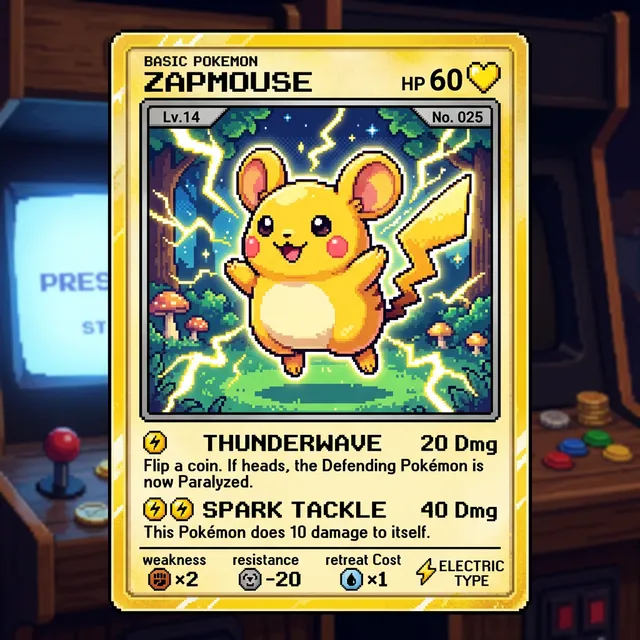
Feedback from card collectors, game designers, and creative professionals using Card Maker.
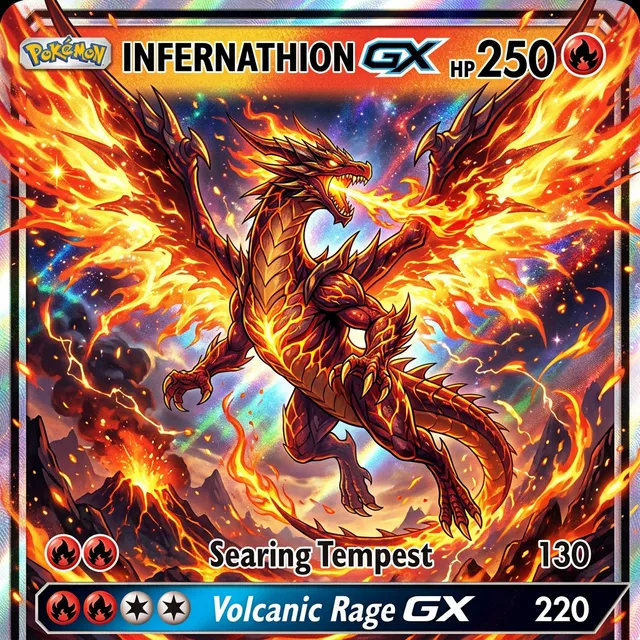
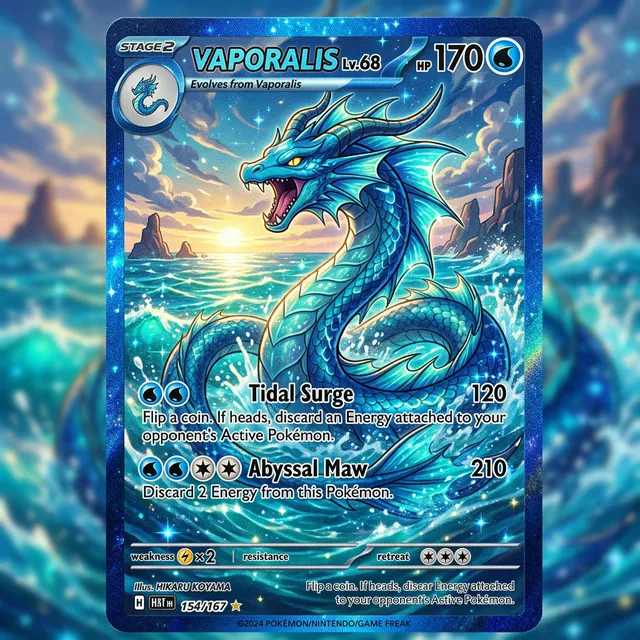
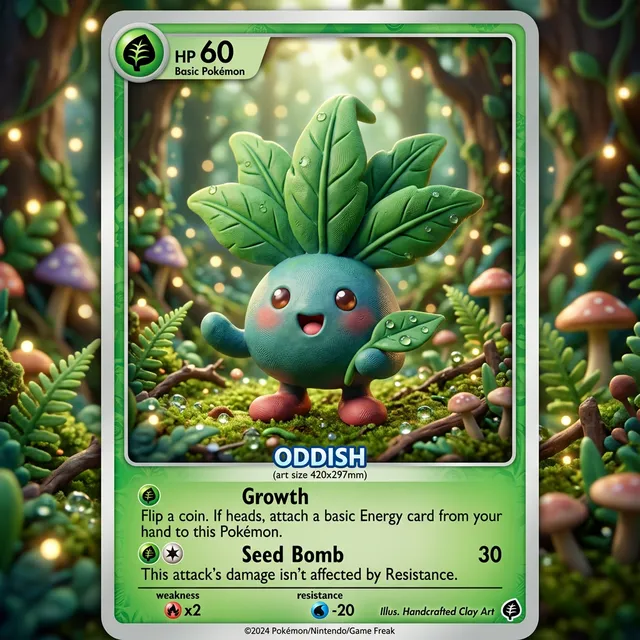
I've been making custom Pokemon cards with Card Maker for my collection. The holographic effects and card frame consistency are impressive — they look like real cards.

Alex Martinez
Pokemon Card Collector
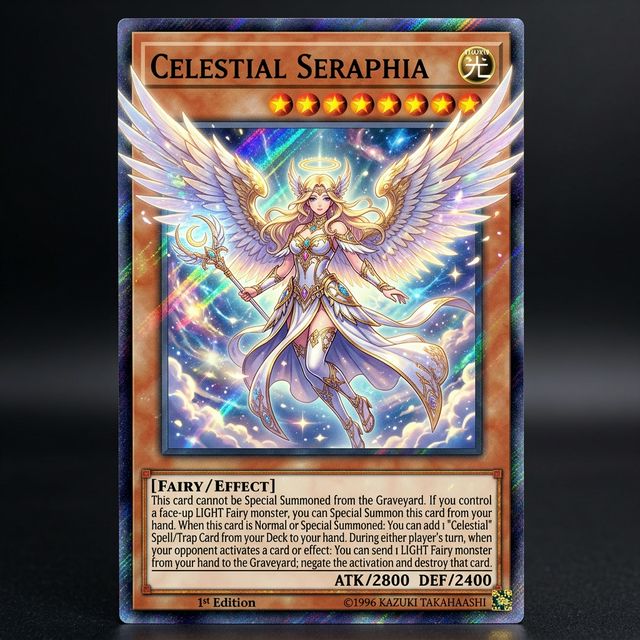
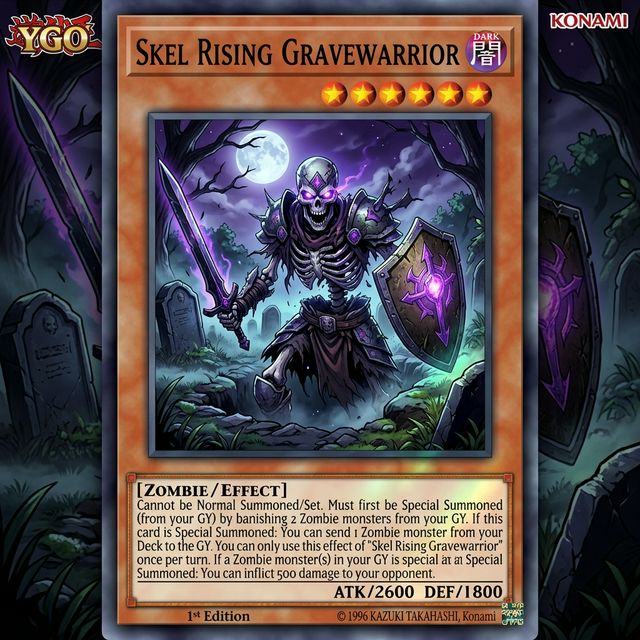
We used Card Maker to prototype our entire card game in two weeks. The style consistency across 120+ cards saved us months of illustration work.

Sarah Chen
TCG Game Designer
I sell custom birthday cards on Etsy. Card Maker helps me create unique designs for each customer in minutes instead of hours of manual design.

Mike Thompson
Birthday Card Seller
My clients love the custom wedding invitation designs I create with Card Maker. I can quickly generate multiple options that match their wedding theme and colors perfectly.

Jessica Park
Wedding Planner
Common questions about designing tattoos with AI.
An AI tattoo generator creates custom tattoo designs from text descriptions. Explore styles from minimalist fine line to traditional Japanese irezumi — all without committing to ink.
Yes. Describe your concept, preferred style, body placement, and size. The AI generates a detailed tattoo design that you can refine and bring to your tattoo artist as a reference.
New users receive free credits upon signup. Each tattoo design generation costs credits. Generate multiple variations to explore different styles and concepts.
Fine line, traditional American, Japanese irezumi, watercolor, geometric, dotwork, blackwork, neo-traditional, tribal, realism, and minimalist styles. Specify the style clearly in your prompt.
Download the generated design as a high-resolution image and share it with your tattoo artist as a reference. They can adapt proportions and details for your specific body placement.
Upload a photo of the body area and describe the tattoo placement. The AI generates an image showing the tattoo design in context, helping you visualize the final placement before committing.
Related Tools
Move into closely related tools when you need editing, cleanup, packaging, or alternate visual directions beyond this specific scenario.
Text to Image
Open this related workflow to compare prompts, outputs, and use cases.
AI Caricature Generator — Create Custom Caricatures with AI
Open this related workflow to compare prompts, outputs, and use cases.
AI Portrait Generator — Create Custom Portraits with AI
Open this related workflow to compare prompts, outputs, and use cases.
AI Sticker Generator — Create Custom Stickers with AI
Open this related workflow to compare prompts, outputs, and use cases.
Speed up tattoo concept exploration for creative and client-facing workflows.