
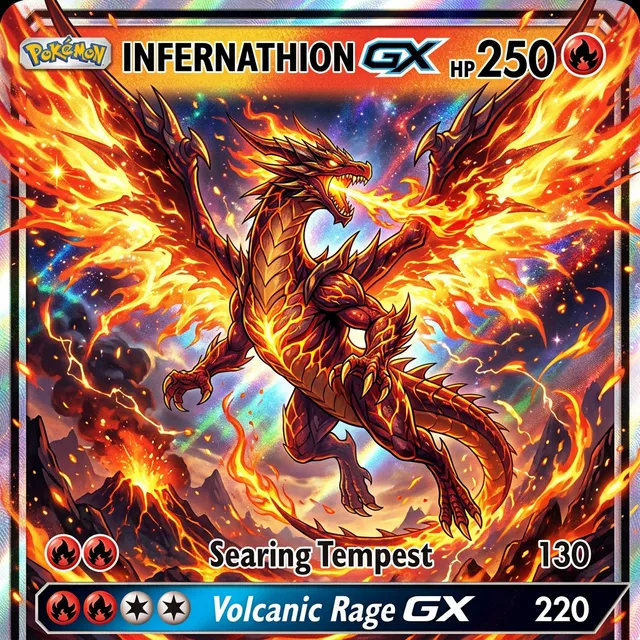
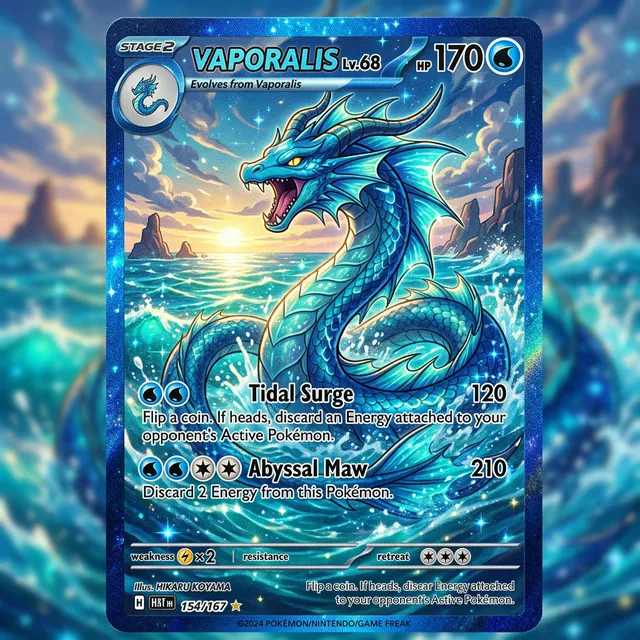
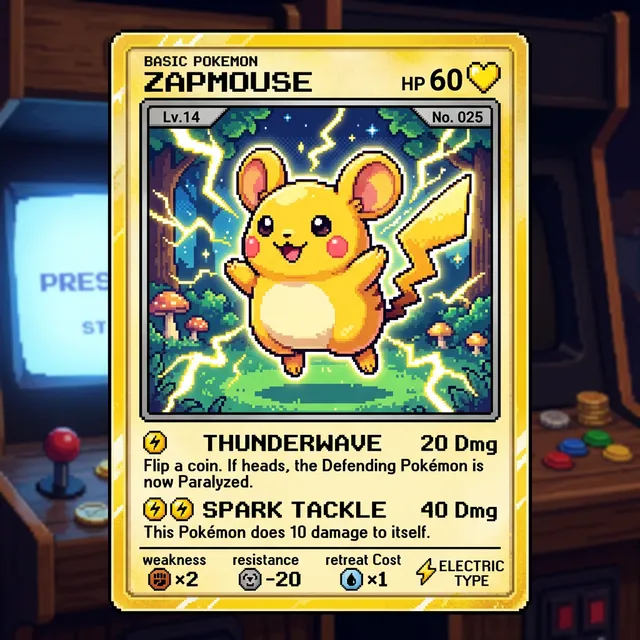
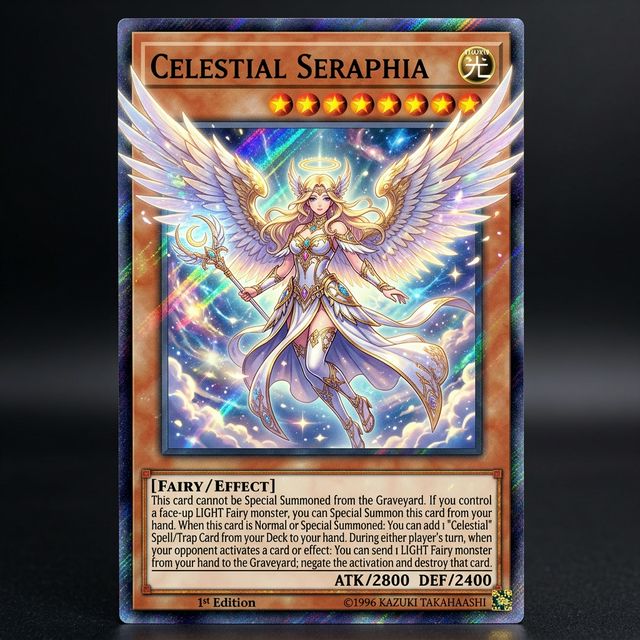
I've been making custom Pokemon cards with Card Maker for my collection. The holographic effects and card frame consistency are impressive — they look like real cards.

Alex Martinez
Pokemon Card Collector
Create custom AI invitation cards for any event — parties, weddings, baby showers. Elegant designs personalized with your details. Free to try.
Upload a photo or write a detailed prompt to watch AI bring your idea to life.
Use Card Maker to build invitation cards with cleaner event hierarchy, stronger visual themes, and polished layouts for print or digital RSVP flows.
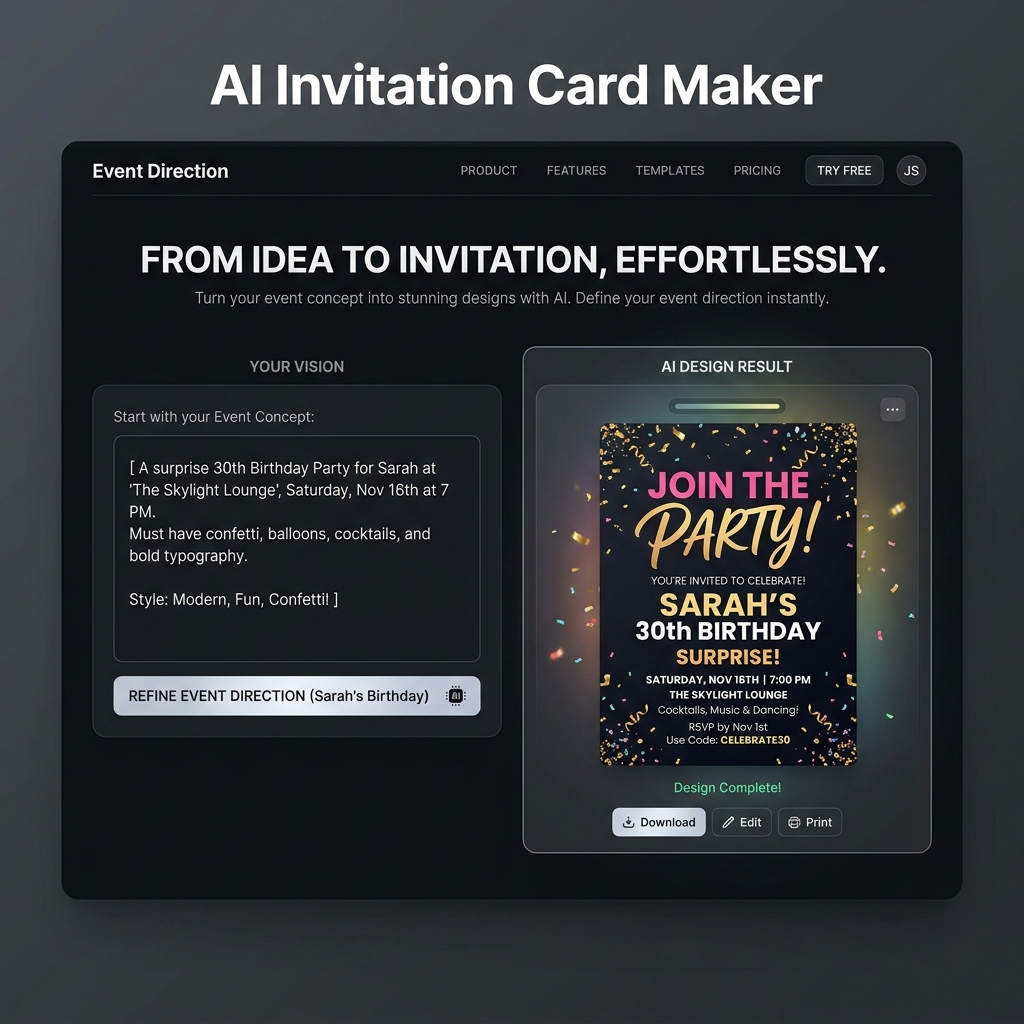
Turn a rough event concept into a polished invitation direction faster. Card Maker helps you control tone, layout, wording emphasis, and decorative style without relying on stiff templates.
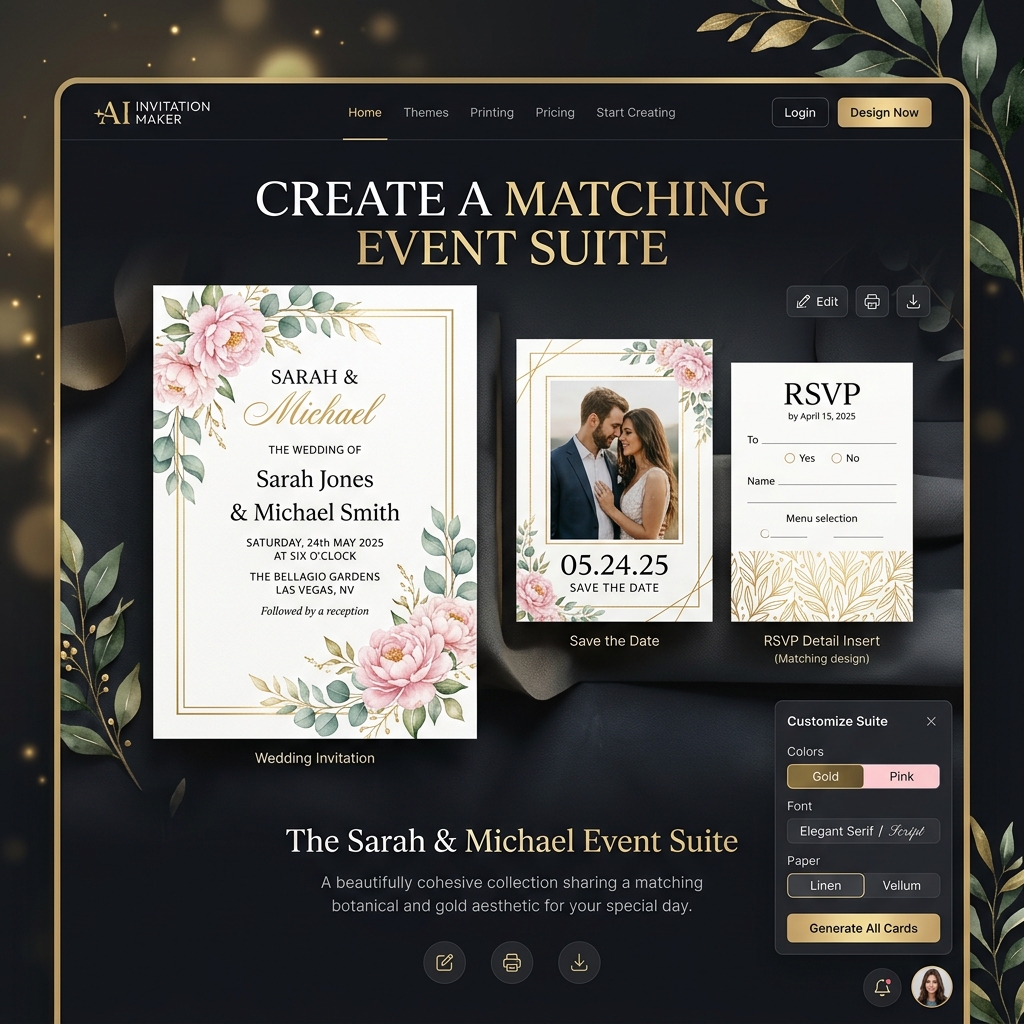
Generate coordinated invitation suites for ceremonies, parties, dinners, and announcements while keeping one clear event identity across every piece.
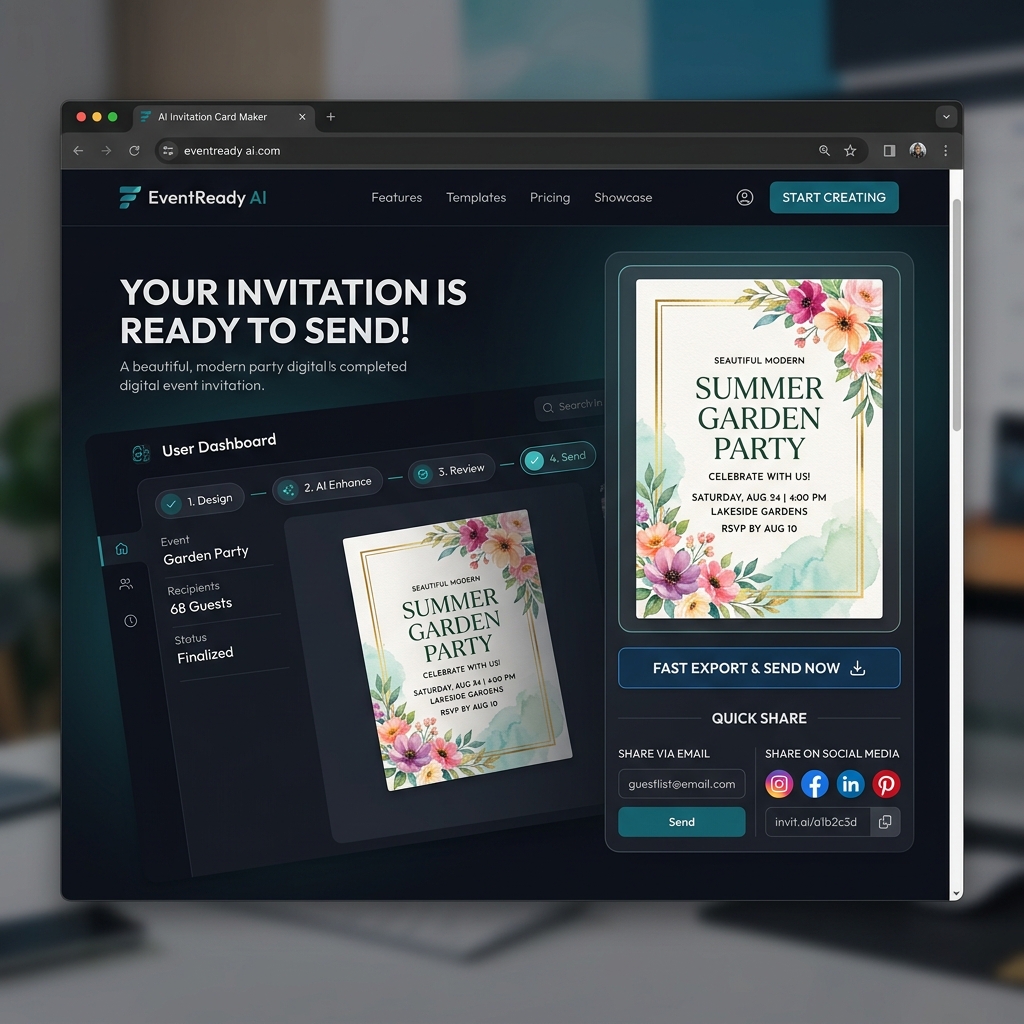
Generate, revise, and export invitation visuals quickly for print, messaging apps, email campaigns, or social announcements.
Compare producing invitation designs with Card Maker against manual design workflows and template-driven event tools.
Criteria
How quickly you get a usable invitation direction
Card Maker
RecommendedTraditional Tools
Criteria
Freedom to create any invitation card you imagine
Card Maker
RecommendedTraditional Tools
Criteria
Keeping a coherent look across multiple cards
Card Maker
RecommendedTraditional Tools
Criteria
Design expertise needed
Card Maker
RecommendedTraditional Tools
Criteria
Production-readiness of results
Card Maker
RecommendedTraditional Tools
CriteriaWhat hosts and planners compare | RecommendedCard MakerAI-powered, fast, highly customizable | Traditional ToolsTemplate-based or manual design |
|---|---|---|
Time to first invitation cardHow quickly you get a usable invitation direction | Minutes from prompt to exportable invitation card design. | Hours of manual design or template hunting. |
Design customizationFreedom to create any invitation card you imagine | Fully custom from any text description or reference image. | Limited to preset templates or manual design skill. |
Event-suite consistencyKeeping a coherent look across multiple cards | Maintain one visual system across invitations, reminders, menus, and related event pieces. | Hard to match styles across manual iterations. |
Skill requirementDesign expertise needed | No design skills required — just describe your invitation card idea. | Requires graphic design or illustration expertise. |
Output qualityProduction-readiness of results | Polished invitation visuals suitable for guests, event promotion, and print preparation. | Quality varies widely by tool or designer. |
Describe the event, generate a polished invitation layout, and export it for guests or print vendors.
Enter the event type, date hierarchy, theme, color direction, and wording style. You can also upload a reference invitation to restyle.
Card Maker generates invitation directions you can refine for layout balance, typography, decorative detail, and RSVP readability.
Download a high-quality invitation image for printing, guest messages, email distribution, or social event promotion.
Enter the event type, date hierarchy, theme, color direction, and wording style. You can also upload a reference invitation to restyle.
Card Maker generates invitation directions you can refine for layout balance, typography, decorative detail, and RSVP readability.
Download a high-quality invitation image for printing, guest messages, email distribution, or social event promotion.
Browse invitation directions generated with Card Maker, from parties and showers to formal events and brand-led gatherings.
Choose flexible credit packs or subscriptions for Card Maker image generation, editing, and commercial creative workflows.
Perfect for individuals and light users
Includes
For professional creators and teams
Includes
Annual plan for heavy usage.
Includes
Feedback from card collectors, game designers, and creative professionals using Card Maker.
I've been making custom Pokemon cards with Card Maker for my collection. The holographic effects and card frame consistency are impressive — they look like real cards.
Alex Martinez
Pokemon Card Collector
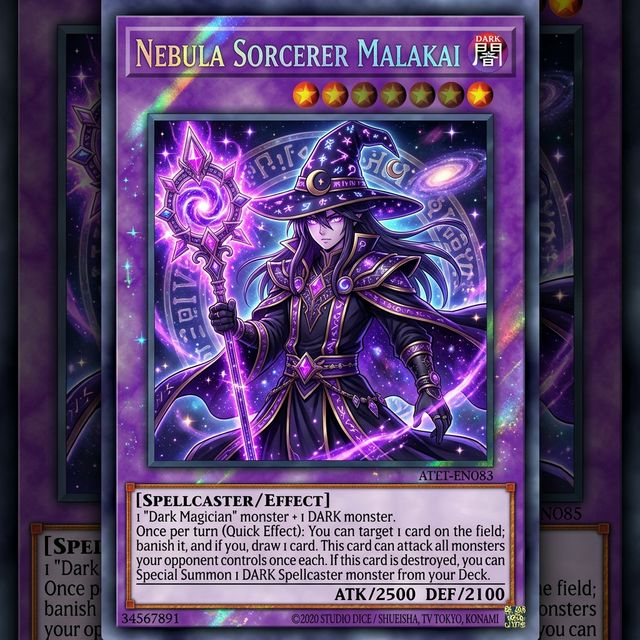
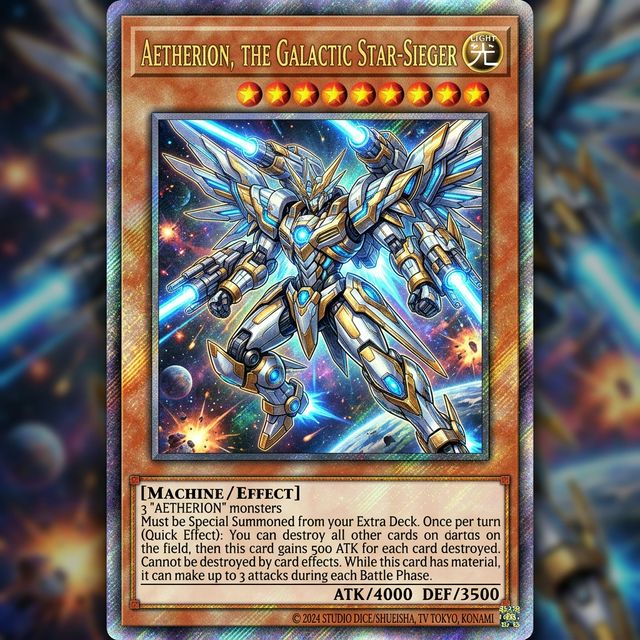
We used Card Maker to prototype our entire card game in two weeks. The style consistency across 120+ cards saved us months of illustration work.

Sarah Chen
TCG Game Designer
I sell custom birthday cards on Etsy. Card Maker helps me create unique designs for each customer in minutes instead of hours of manual design.

Mike Thompson
Birthday Card Seller
My clients love the custom wedding invitation designs I create with Card Maker. I can quickly generate multiple options that match their wedding theme and colors perfectly.

Jessica Park
Wedding Planner
Common questions about creating custom invitation card designs with AI.
An AI invitation card maker turns event details into custom invitation visuals. Describe the occasion, visual direction, wording style, and hierarchy, and the AI generates a tailored invitation layout.
Any event — birthday parties, dinner parties, graduation, baby shower, bridal shower, housewarming, corporate events, holiday parties, and more.
Yes. Include dates, times, venue, RSVP info, and any text in your prompt. Card Maker renders readable text in your chosen style directly on the invitation design.
Any style — playful cartoon, elegant formal, modern minimalist, vintage, rustic, tropical, themed (80s, space, garden), or brand-aligned. Describe your vision in the prompt.
New users receive free credits on signup. Each invitation design costs 3 credits. Purchase additional credits for multiple invitation variants.
Yes. Generate matching invitations, thank-you cards, menu cards, and place cards by keeping your design style consistent across prompts.
Create invitations for birthday parties, weddings, baby showers, bridal showers, graduations, corporate events, dinner parties, holiday gatherings, housewarming parties, and any special occasion. Card Maker adapts the design style to match the event type.
Yes. Include date, time, venue, dress code, RSVP information, and any custom text in your prompt. Card Maker integrates event details into the invitation design with appropriate typography and layout.
Generate invitation visuals for parties, showers, celebrations, and formal events without building every layout manually.