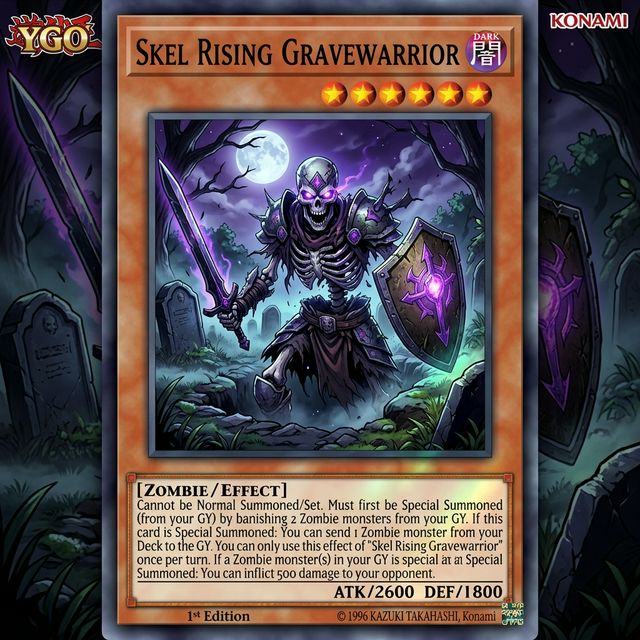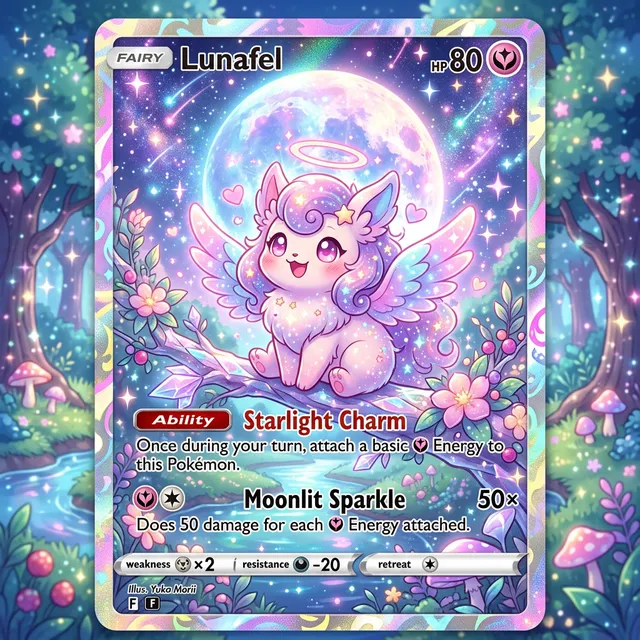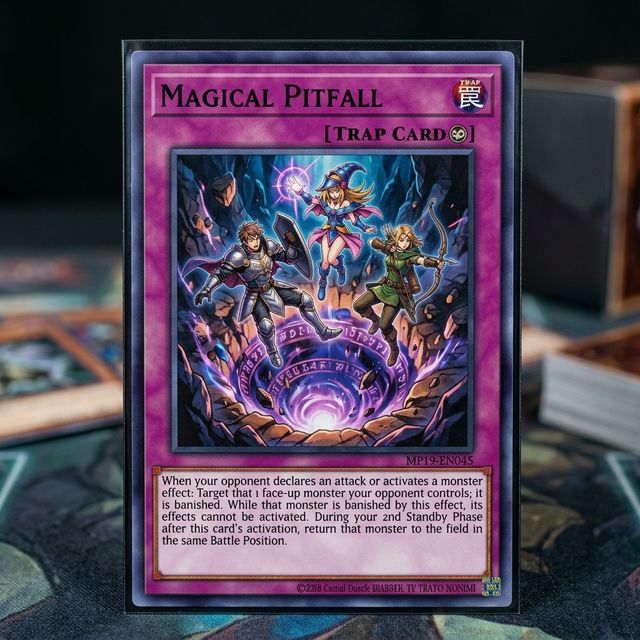

linkedin corporate headshot
Create a LinkedIn-ready corporate headshot with a neutral gray background, shoulders-up crop, polished blazer, and soft studio key light.
Use this promptTurn a selfie into a professional AI headshot for LinkedIn, company bios, team directories, speaking pages, and outreach campaigns. Keep identity natural while upgrading lighting, background, and framing.
Upload a photo or write a detailed prompt to watch AI bring your idea to life.

Card Maker simplifies headshot creation for hiring, sales profiles, and company directories.
Prompt Library
Start from a concrete brief instead of a blank box. Each example is written for a real use case so you can adapt it quickly to your own image workflow.
Create a LinkedIn-ready corporate headshot with a neutral gray background, shoulders-up crop, polished blazer, and soft studio key light.
Use this prompt
Generate a founder bio portrait with a confident but approachable expression, subtle office backdrop blur, natural skin detail, and clean editorial lighting.
Use this prompt
Create a team directory headshot style with consistent framing, matching charcoal background, soft side light, and realistic facial detail.
Use this promptUse Card Maker to produce professional headshot variants with higher prompt fidelity, stronger consistency, and channel-ready quality for real delivery cycles.

Transform casual photos into professional headshot portraits. Card Maker adjusts lighting, angles, and backgrounds for studio-quality headshot output.
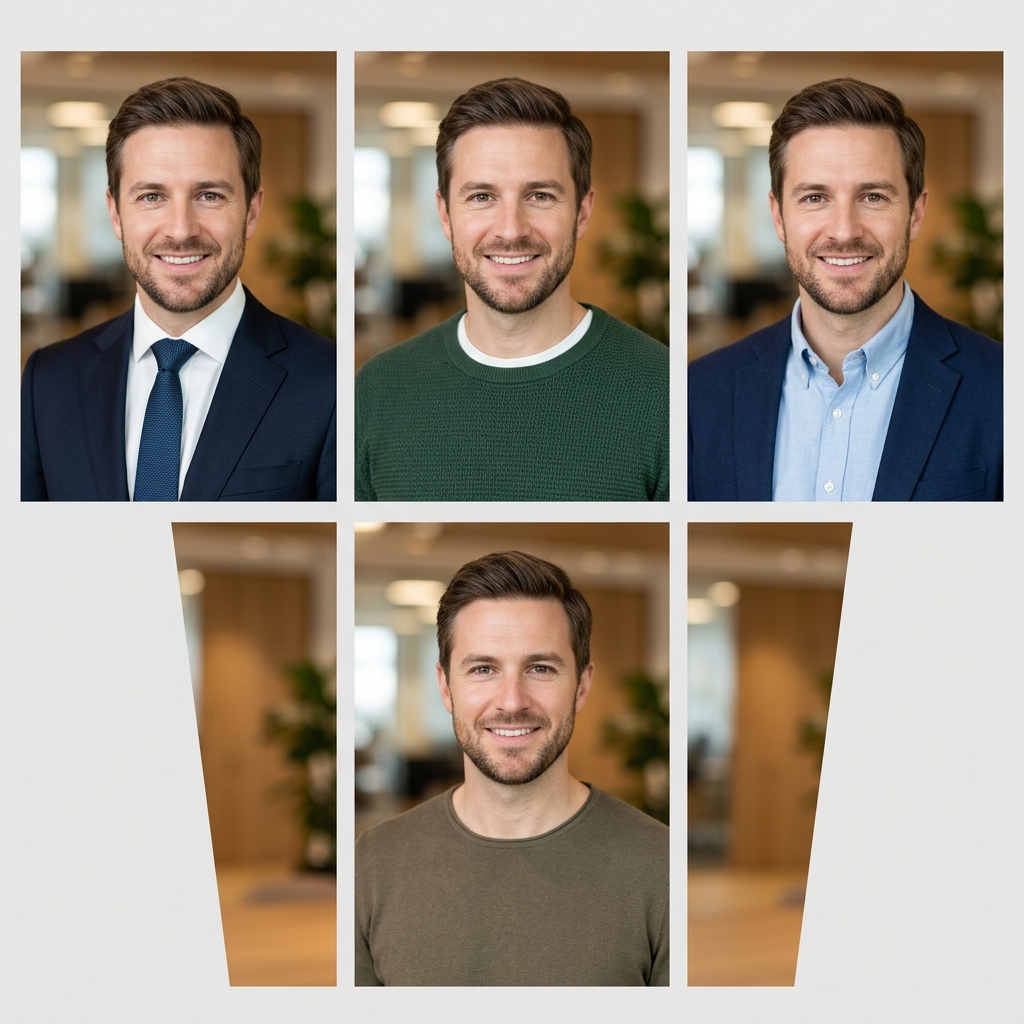
Produce matching headshot sets for teams and companies where style, backdrop, and lighting remain uniform across all portraits.
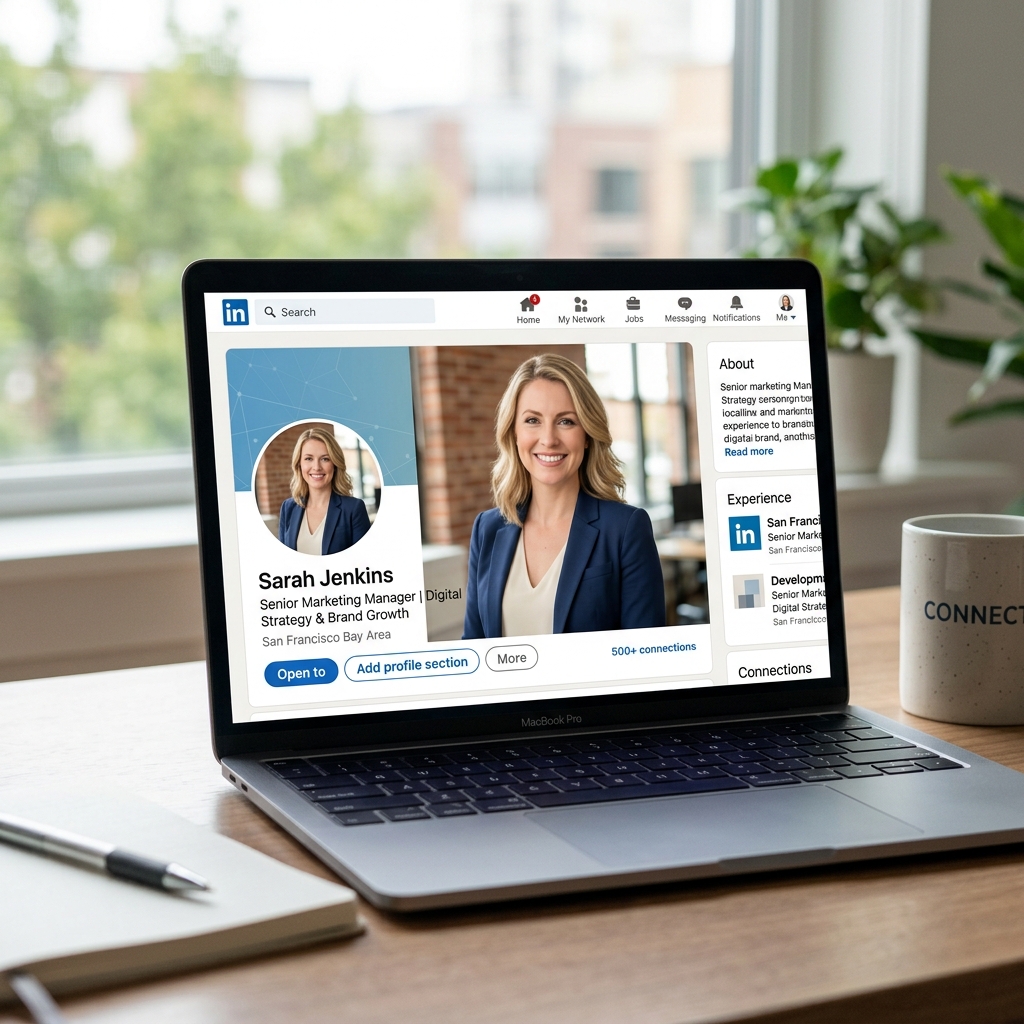
Get professional headshot results in minutes instead of booking studio time. Export headshot files ready for LinkedIn, websites, and printed materials.
Compare a modern AI Headshot Generator workflow in Card Maker with manual production loops that usually require more time and handoff overhead.
Workflow Criteria
Time to get a professional headshot
Card Maker
RecommendedTraditional Process
Workflow Criteria
Creating headshot sets for teams
Card Maker
RecommendedTraditional Process
Workflow Criteria
Keeping headshot style uniform across all team members
Card Maker
RecommendedTraditional Process
Workflow Criteria
Changing headshot backgrounds without reshooting
Card Maker
RecommendedTraditional Process
Workflow Criteria
Monthly headshot production for growing companies
Card Maker
RecommendedTraditional Process
Workflow CriteriaWhat teams evaluate before launch | RecommendedCard MakerFaster and more consistent output | Traditional ProcessManual-heavy and slower iteration |
|---|---|---|
First usable draftTime to get a professional headshot | Generate a polished headshot from a selfie in minutes. | Schedule and attend a professional photo studio session. |
Variant generation at scaleCreating headshot sets for teams | Batch headshot generation for entire departments. | Individual studio sessions for each team member. |
Consistency over iterationsKeeping headshot style uniform across all team members | Uniform headshot lighting and style for the whole team. | Style differences between different photo session dates. |
Background flexibilityChanging headshot backgrounds without reshooting | Swap headshot backgrounds instantly for any context. | Reshoot or manual Photoshop editing for each background. |
Team throughputMonthly headshot production for growing companies | Onboard new employees with instant headshot generation. | Wait for scheduled studio time for new hires. |
Upload a source photo, choose professional style, and export profile-ready images.
Provide any portrait photo as the base for your professional headshot transformation.
Choose corporate, creative, or casual headshot styling with your preferred background and lighting.
Export the polished headshot in high resolution for LinkedIn, resumes, and company profiles.
Provide any portrait photo as the base for your professional headshot transformation.
Choose corporate, creative, or casual headshot styling with your preferred background and lighting.
Export the polished headshot in high resolution for LinkedIn, resumes, and company profiles.
Browse real professional headshot variants generated with Card Maker. Use these examples as quality references for ecommerce, social, and campaign delivery.
Choose flexible credit packs or subscriptions for Card Maker image generation, editing, and commercial creative workflows.
Perfect for individuals and light users
Includes
For professional creators and teams
Includes
Annual plan for heavy usage.
Includes
Feedback from card collectors, game designers, and creative professionals using Card Maker.
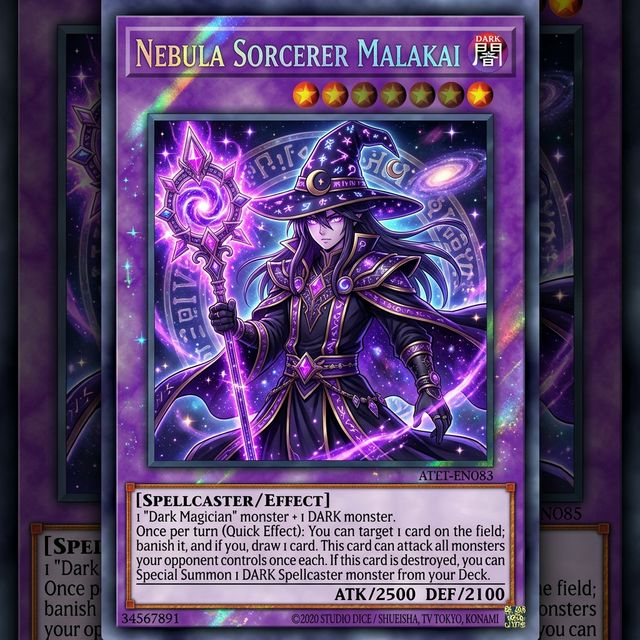
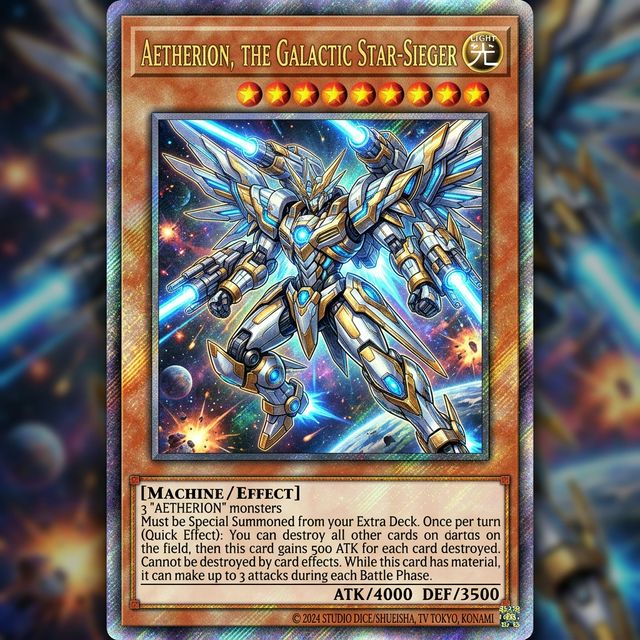
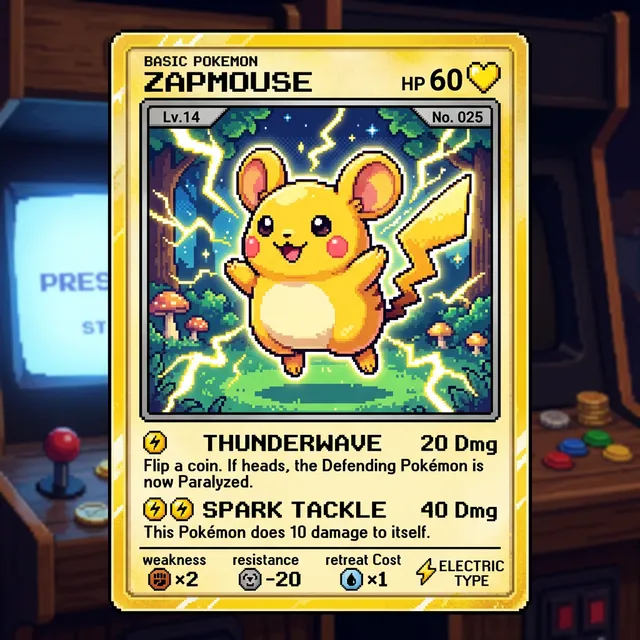
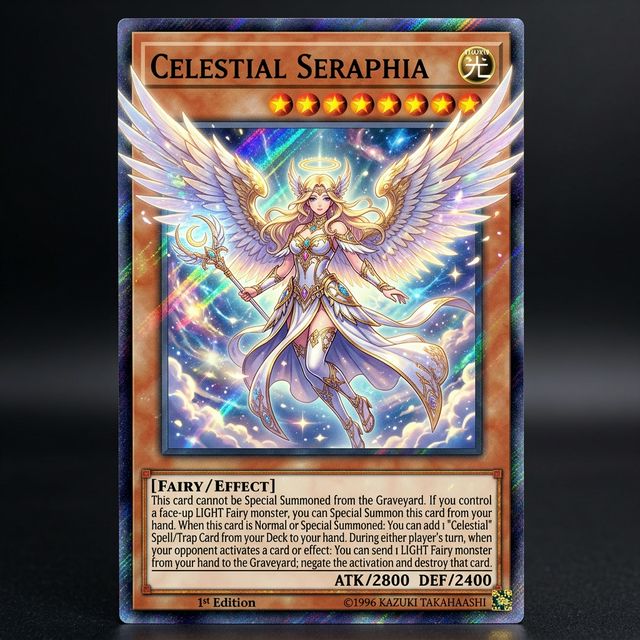
I've been making custom Pokemon cards with Card Maker for my collection. The holographic effects and card frame consistency are impressive — they look like real cards.

Alex Martinez
Pokemon Card Collector
We used Card Maker to prototype our entire card game in two weeks. The style consistency across 120+ cards saved us months of illustration work.

Sarah Chen
TCG Game Designer
I sell custom birthday cards on Etsy. Card Maker helps me create unique designs for each customer in minutes instead of hours of manual design.

Mike Thompson
Birthday Card Seller
My clients love the custom wedding invitation designs I create with Card Maker. I can quickly generate multiple options that match their wedding theme and colors perfectly.

Jessica Park
Wedding Planner
Common questions about creating professional headshots with AI.
An AI headshot generator creates professional-quality portrait photos from selfies or text descriptions. Get studio-quality business headshots for LinkedIn, resumes, and corporate profiles without a photographer.
Yes. Upload a casual selfie and specify 'professional LinkedIn headshot' with your preferred background and attire. The AI produces polished, recruiter-ready portraits.
New users receive free credits upon signup. Each headshot generation costs credits. Ideal for individuals and teams needing professional photos quickly.
The AI produces highly realistic, studio-quality portraits suitable for professional use. Results look natural and are appropriate for LinkedIn, company websites, and business cards.
Yes. Use the same prompt structure (background, lighting, framing) for each team member's photo. This creates a uniform, professional look across your entire team directory.
Specify background (neutral, office, gradient), lighting (studio, natural), attire (business formal, smart casual), and framing (shoulders up, head and shoulders). Upload a reference selfie for best results.
Related Tools
Move into closely related tools when you need editing, cleanup, packaging, or alternate visual directions beyond this specific scenario.
Image to Image
Open this related workflow to compare prompts, outputs, and use cases.
AI Profile Picture Generator — Create Custom Profile Pictures
Open this related workflow to compare prompts, outputs, and use cases.
AI Portrait Generator — Create Custom Portraits with AI
Open this related workflow to compare prompts, outputs, and use cases.
AI Photo Editor — Edit Photos with AI Intelligence
Open this related workflow to compare prompts, outputs, and use cases.
Generate profile-ready portraits for LinkedIn, company pages, and outreach.